Image rights explained: what are they?
Image rights are the legal rules that control how images, photos, graphics, or illustrations can be used. These rights ensure that the creator of an image has control over how their work is shared. When you find an image on another website, you need copyrighted image permissions from the creator or copyright holder unless the image is in the public domain or covered by creative commons image rights.
Why do image rights matter?
Using images legally matters for several important reasons.
Legal protection: Using someone else’s image without permission is a copyright violation. The owners of the image rights have the power to take legal action if someone violates the rules and uses the images without their permission.
Avoiding takedown notices: Search engines and social media platforms take copyright violations seriously. If a creator files a complaint, the copied content could be taken down or removed. This can affect the online presence of the brand.
Maintaining reputation: A brand’s credibility is vital, and using unlicensed images can cause significant damage to its reputation. This can damage the brand’s credibility and make people less likely to engage with it.
Improving search engine rankings: Copyright violations can affect search engine rankings. Websites that don’t follow copyright laws may be penalized by the search engines. This can lead to a drop in traffic and lower search rankings.
Types of image licenses you need to know
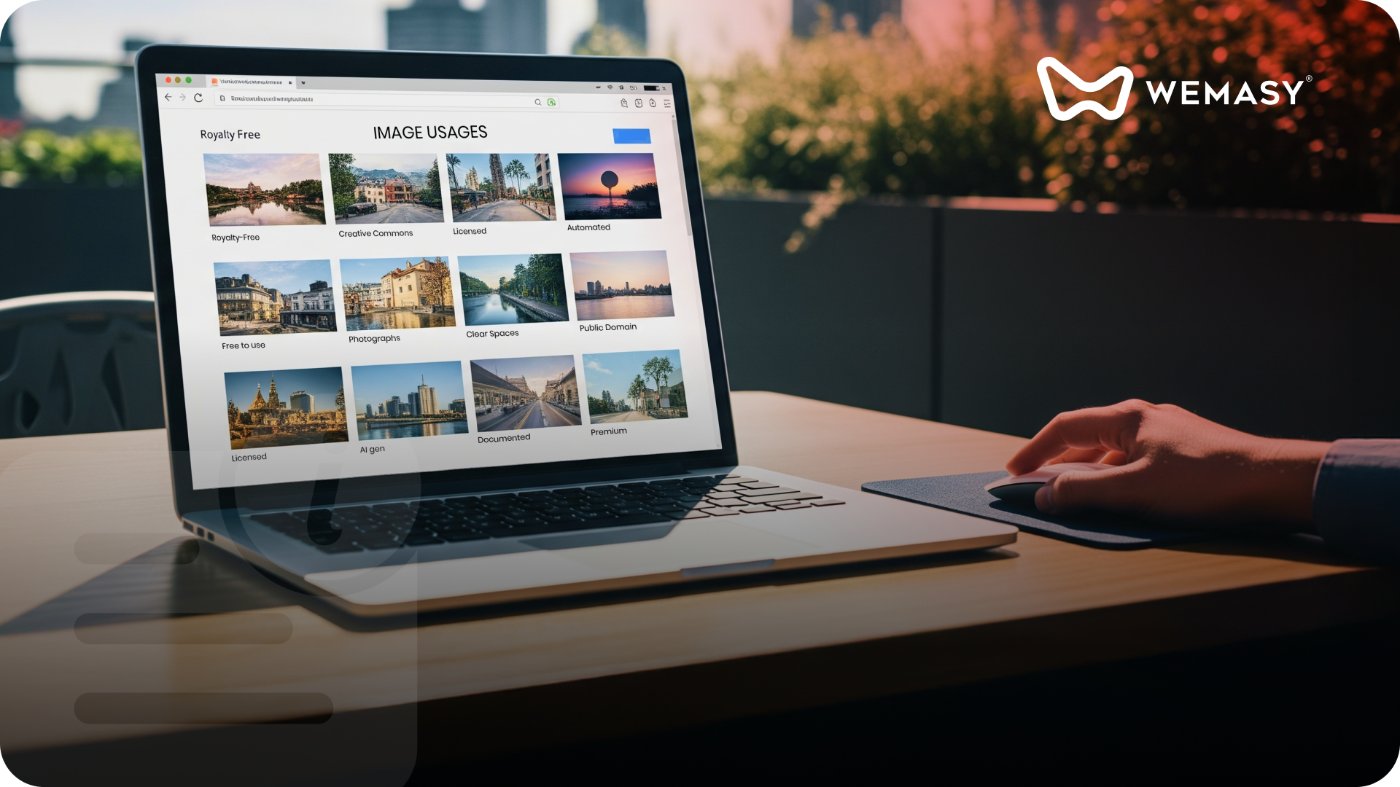
Understanding the different types of image licenses helps you choose the right images for your website without risking violations. Here are the most common ones:
Copyrighted images: Copyrighted images are protected by law, and the creator or copyright holder has exclusive rights over the image. To use copyrighted images legally, you must either buy a license or get permission from the creator.
Royalty-free images: Royalty-free images allow you to pay a one-time fee for the right to use the image multiple times. These images typically come with a license that grants specific usage rights, so always check the terms before using them on your site.
Creative commons images: Creative Commons is a licensing system that allows creators to share their work for free. However, some of the owners will ask you to give credit to them when you publish it. Always review the terms of use before you use the image.
Public domain images: Public domain images are not protected by copyright and are free for anyone to use. These images can be used without permission or payment.
Tips for using images legally on your website
Using images legally on your website protects your brand from takedowns and penalties. Here are the best practices:
Verify the image rights: Don’t assume an image is free to use just because it’s on the internet. Always check the license or permissions associated with the image.
Use images from reputable sources: Stick to reputable sources for licensed stock images, or use content that clearly states it’s free for commercial use.
Give proper credits: If you're using Creative Commons images or content that requires attribution, always credit the creator. This shows respect for the creator’s work and keeps you legally safe.
Use images from public domains: Public domain images are free to use without restrictions. However, always double-check that the content is truly in the public domain and not mistakenly labeled as such.
Create your content: Creating your images is the best way to avoid any copyright issues. Whether you’re taking your photos, designing graphics, or creating original illustrations, this ensures that you own the content and have the full rights to use it as you wish.
Respecting image rights is key to ensuring legal safety and maintaining a strong, trustworthy online presence. Always ensure that the images used are either created by you, licensed, or legally sourced. For a broader look at content legality, read our blog on what copyright is and how to use content legally. If you want to understand what content search engines penalize, that's a good next read. You can also learn more about building your online presence in our guide on what a website is and why you need one.
Frequently asked questions
What are image rights explained in simple terms?
Image rights are the legal rules that decide who can use a photo, graphic, or illustration and under what conditions. Every image has an owner, and that owner controls how the image is shared, copied, or displayed. Before using any image on your website, you need to check the license or get permission from the owner.
What is the difference between royalty-free and creative commons images?
Royalty-free images require a one-time payment for unlimited use within the license terms. Creative commons image rights allow creators to share their work for free, but often with conditions like giving credit or not using it commercially. Always read the specific license terms before using either type on your website.
Can I use images from a search engine on my website?
No, not by default. Images that appear in search results are still owned by their creators. Finding an image through a search engine does not mean it is free to use. You need to check the source, verify the license, and get copyrighted image permissions before downloading or publishing it on your site.
What happens if I use an image without permission?
The image owner can send a takedown notice, file a legal claim for damages, or report your site to search engines. Your content can be removed from search results, which directly hurts your traffic and SEO. In serious cases, statutory damages can reach up to $150,000 per image. Using images legally is always cheaper than dealing with a copyright claim.
Where can I find images that are safe to use on my website?
Use stock image websites that offer royalty-free or public domain images. You can also look for images released under creative commons licenses with clear terms. The safest option is always to create your own images, whether through photography, design, or illustrations. Original images give you full control and zero legal risk.
Does WEMASY help me use images safely on my website?
Yes. WEMASY's website builder and Canvas tool let you create original visuals, upload your own images, and design graphics that are uniquely yours. You can also use WEMASY's template system to build pages with placeholder images that you replace with your own licensed content. This keeps your site visually professional and legally safe.