

Register a domain name directly in WEMASY so you can connect it to your website without using a separate registrar.
Before you begin
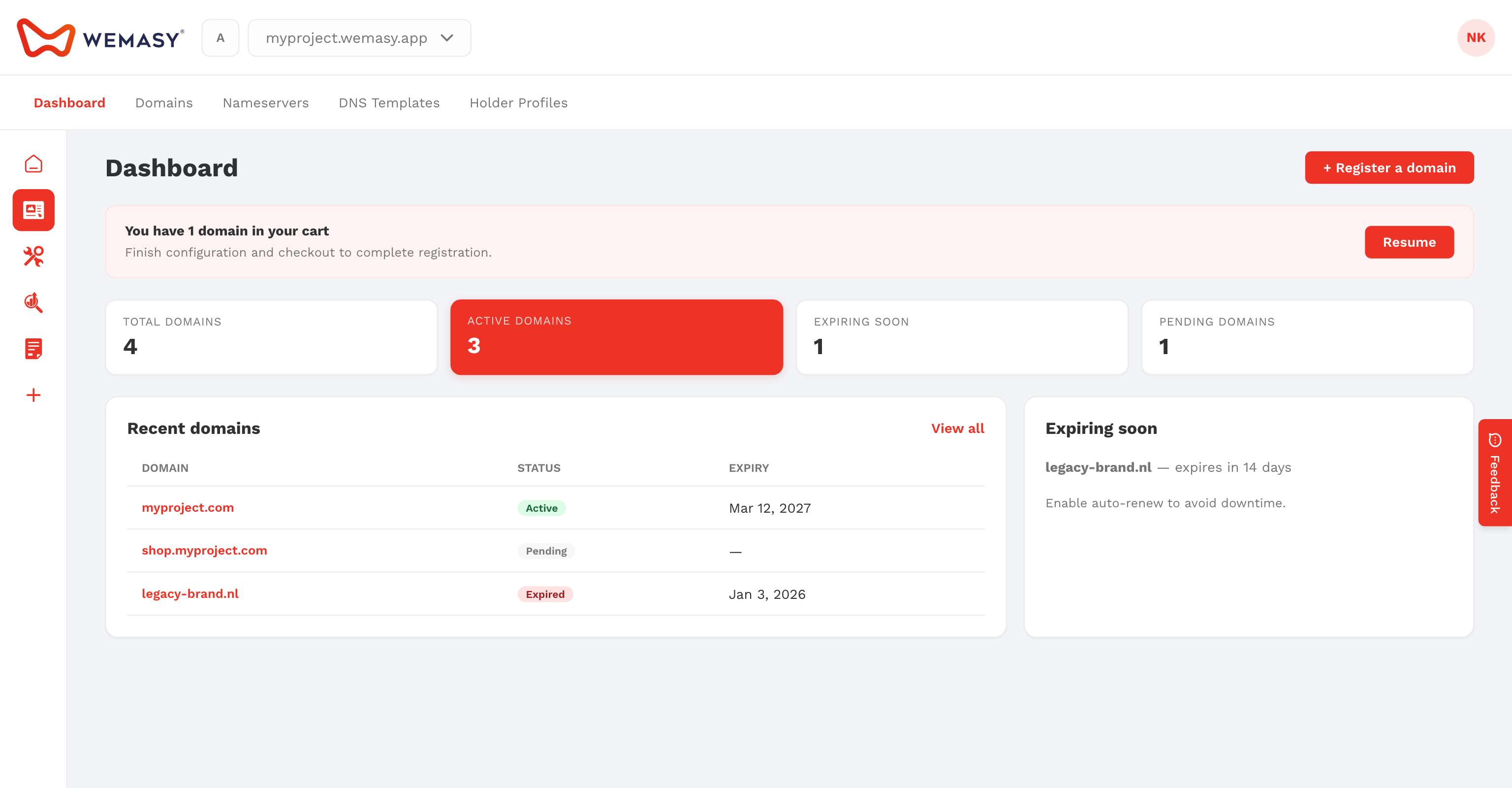
Open Domains from your profile menu (avatar in the top right corner). You need a verified email address on your account.
How to register a domain
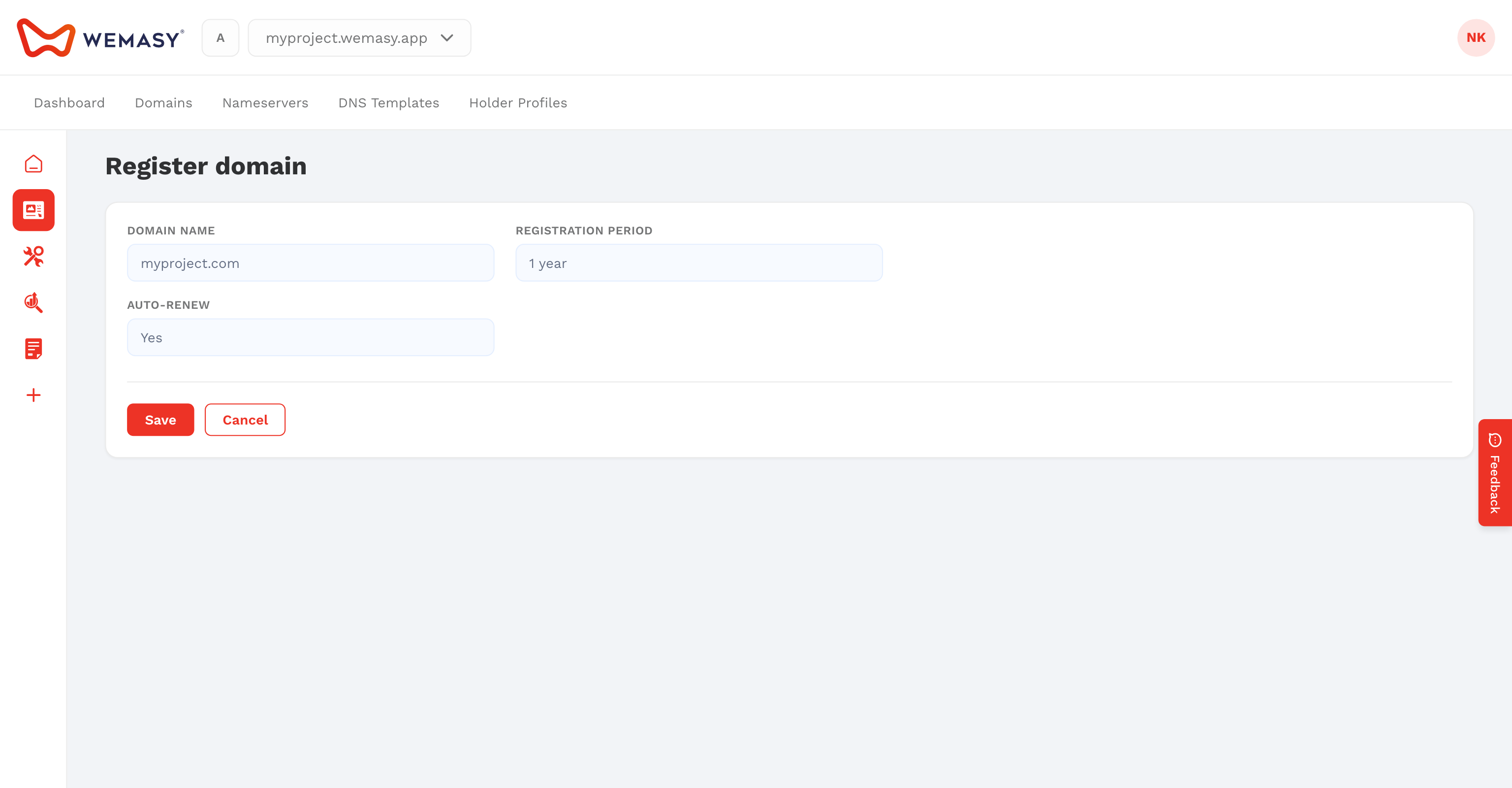
- Click your avatar in the top right corner and select Domains.
- Enter the domain name you want in the search field.
- Review available extensions and pricing.
- Select the domain you want and follow the checkout steps.
- After registration completes, connect the domain to your project from project settings or continue setup in Domains.
Tip: If you only need to point an existing domain to WEMASY, see Connecting an existing domain.