

Creating a WEMASY account is free. You do not need a credit card to sign up. This article explains how to create your account and what happens after you do.
What you need
To create a WEMASY account you need:
- A valid email address.
That is all. WEMASY does not require payment information to create a free account.
How to create your account
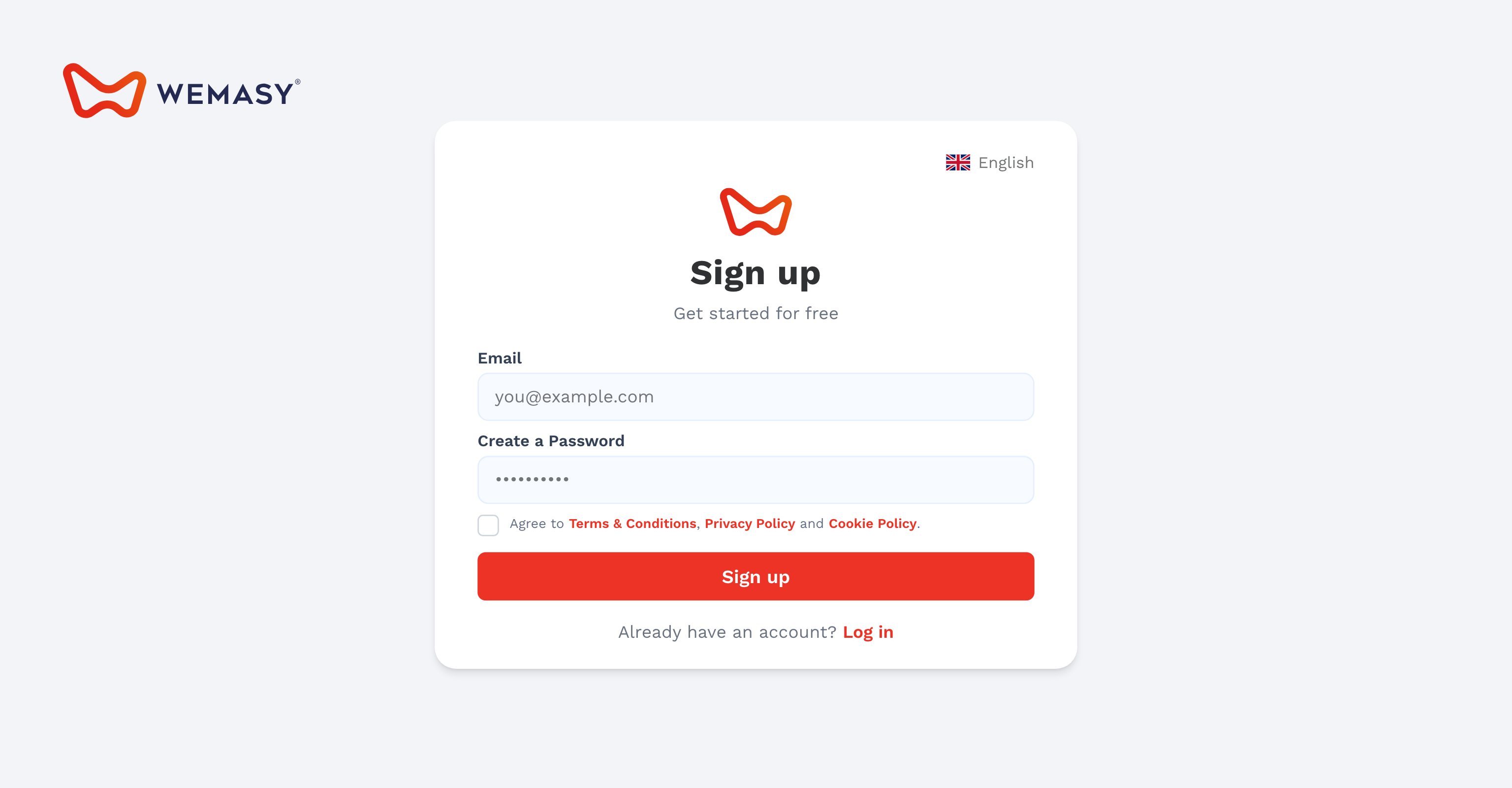
- Go to wemasy.com
Click the Start for free button in the top right corner of the page. - Enter your details
Enter your email address and choose a password. Your password must be at least 8 characters long. - Accept the terms
Read and accept the WEMASY terms of service and privacy policy before continuing. - Submit the form
Click Create account. Your account is created immediately.
Verifying your email address
After creating your account, WEMASY sends a confirmation email to the address you used to sign up.
Open the email and click the verification link. This confirms that the email address belongs to you.
Why this is required: Email verification is required before you can publish your website to a WEMASY subdomain or connect a custom domain. You can still build and edit your website before verifying.
Did not receive the email? Check your spam or junk folder. If the email is not there, you can request a new one from within your WEMASY account.
After signing up
Once your account is created, WEMASY takes you directly to your dashboard. A project is created automatically so you can start building right away.
From the dashboard you can:
- Open the Website Builder to start designing your website.
- Set up your site identity — your logo, site name, and favicon.
- Invite collaborators to work on the project with you.
- Connect a domain or publish to a free WEMASY subdomain.