

The Webshop tool lets you sell products from your WEMASY website.
Where to find it
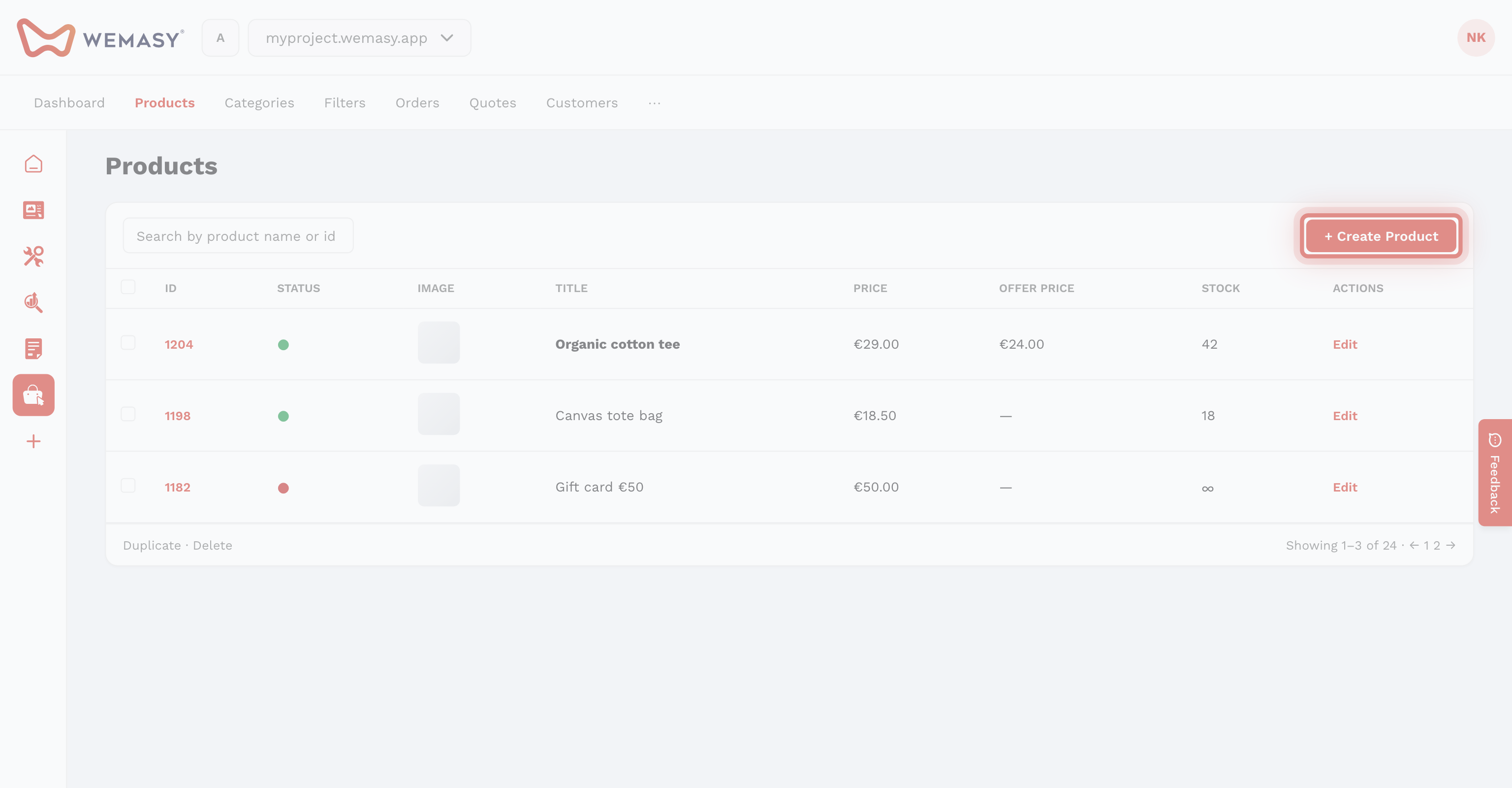
Open the product switcher on the left and select Webshop. You will see Products in the top bar.
Create a product
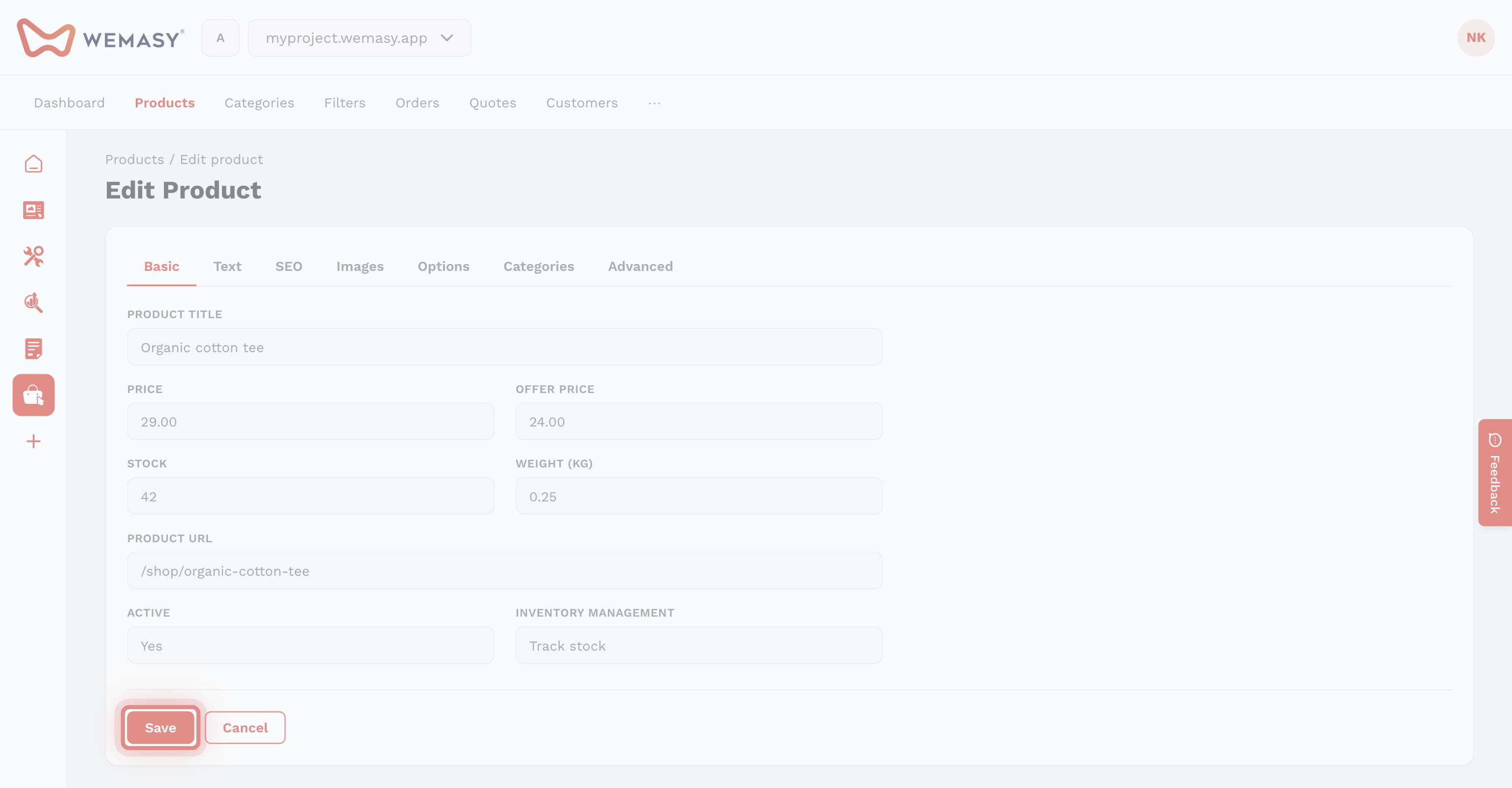
- Click New product.
- Enter title, description, price, and images.
- Set status and save.
Downloadable files
Use the Files tab to attach private files (PDF, ZIP, and similar). After payment, buyers can download them. This is separate from product photos. See Digital products and downloads.