Why should you structure the home page?
Your homepage is the first thing visitors interact with, and it sets the tone for their entire experience on your site. A well-structured homepage guides users, making it clear what your site offers and where they can find it. A clear, organized layout leads to a better user experience, reduces bounce rates, and boosts conversions.
How to structure a home page?
Step 1: Start with the hero section
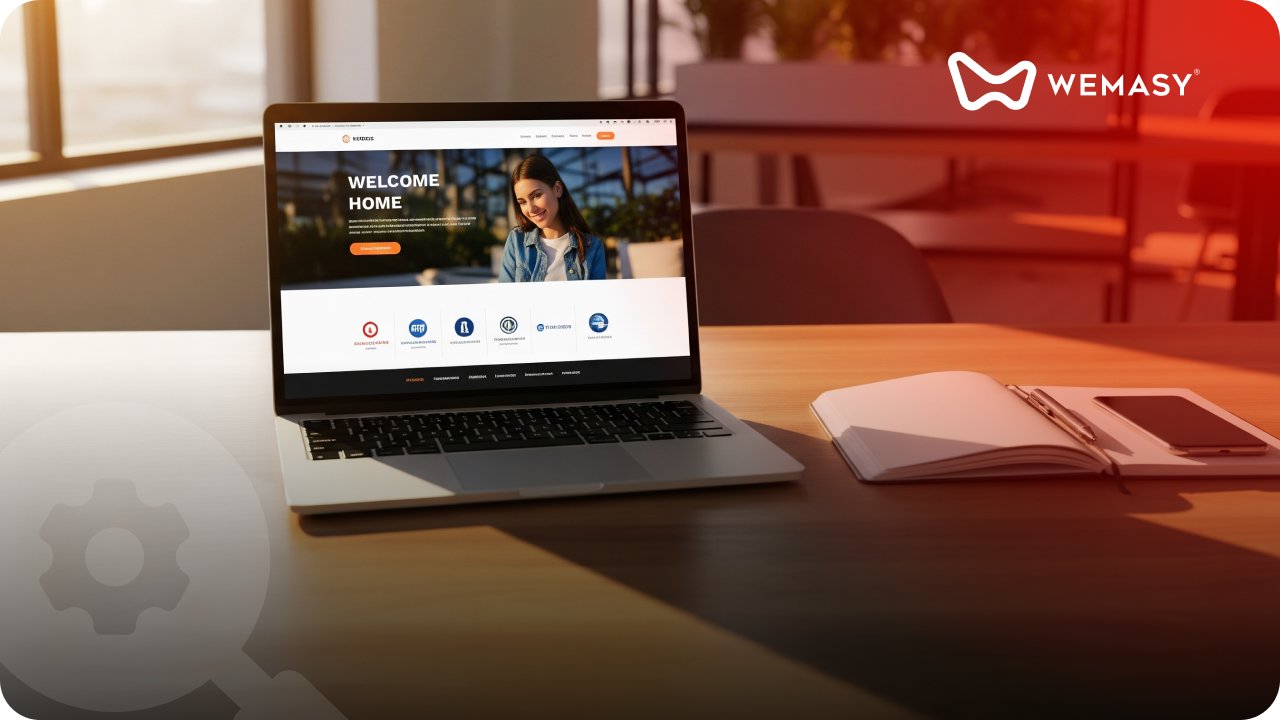
The hero section is the first thing users see, so it needs to grab their attention. A strong hero section sets the tone for the rest of the site, introducing your brand and its value immediately.
Include the following:
Headline: A short and impactful message that explains what your site or business offers to the users.
Sub-head/Body: A brief description or key benefit to provide more context.
Call-to-Action (CTA): Clear, action-driven text - Not more than 3 words.
Step 2: Add a section about what your business offers
After the hero section, users need to understand what your business offers and why it’s valuable. This section explains why they should stay on your site. This section should be scannable, so you can use bullet points or icons to make it easy to read quickly. You can get an infographic designed based on the content you want to put out here.
You can include the following:
Icons or short descriptions that highlight the main benefits.
A summary of your services, products, or key features.
Key Differentiators: Show what makes you unique. For example, "Our AI-driven solutions reduce operational costs by 30%."
Step 3: Add a slider of social proof
It is important to showcase the brands your company has collaborated with. You can also add client reviews, testimonials, and other social proof. This section builds credibility and reassures potential customers that others have had positive experiences with your brand.
Include one of the following
Client testimonials: Short, impactful quotes from satisfied customers. Include names and pictures for authenticity.
Logos of clients/brands associated with the company: If applicable, display logos of well-known clients or partners.
Rating and reviews: Show average star ratings or highlights from third-party review platforms.
Step 4: Feature key products or services
It is important to provide easy access to your key products or services without overwhelming the visitor. This section must highlight your business’s offerings in more detail and allow users to explore areas of interest.
What you can include:
Images/Icons of key products or services with short, clickable descriptions.
For services, offer a simple, clear breakdown of each, along with a CTA to learn more or buy.
For e-commerce, feature bestsellers, new arrivals, or promotions.
Step 5: Use a compelling CTA
It is important to have around 3 call-to-action buttons on the homepage. But dedicate a section completely to it. Talk to the user with a personalized message and nudge them to get in touch with your team/make a purchase. The goal is to drive them to take action.
Step 6: Keep an FAQ section if necessary
An FAQ section becomes essential when you have the following:
Your product or service requires a detailed explanation.
Users frequently have similar questions.
You aim to reduce support inquiries and enhance user satisfaction.
When you design this, make sure your page does not look heavy. One way of doing this is to just show the questions and give a drop-down for the answers.
Step 7: End the home page with a clear footer
The footer is a critical element of your website's layout. Offers quick access to important links and details. It becomes the secondary navigational menu for users who have scrolled to the bottom. The footer also holds links to the policies and other legal information.
Include this in your footer:
Contact Information: Include a phone number, email address, and physical location if applicable.
Legal Links: Provide access to your Privacy Policy, Terms of Service, and Cookie Policy.
Navigation Links: Offer links to key pages such as About Us, Services, Blog, and Sitemap.
Social Media Icons: Link to your social media profiles to encourage further engagement.
Accessibility Features: Ensure the footer is legible and navigable, adhering to accessibility standards.
Other points to keep in mind
Use visually engaging videos and images to make sure your homepage looks appealing to the audience.
Optimize it for mobile and not just the website.
Make sure it has a faster load time. This decreases bounce rates and increases user engagement.
Optimize it for SEO. Use the essential keywords wherever necessary. Do not force the keywords or make the page look content-heavy while doing this.
Include a chatbot or an inquiry box on the homepage.
For more on page structure, read our blog on how to structure your About Us page. You can also check out how to structure a website menu. For the full picture, read our pillar guide on what a website is and why you need one.
Frequently asked questions
What are the most important sections on a homepage?
A hero section with a clear headline and CTA, an overview of what your business offers, social proof like testimonials or client logos, featured products or services, and a footer with contact and legal links. These five sections cover what most visitors need to see before deciding to explore further or take action.
How many CTAs should a homepage have?
Three is a good target. Place one in the hero section, one in the middle of the page near your key offerings, and one near the bottom. Each CTA should guide the visitor toward one clear action. Avoid cluttering the page with too many different CTAs that compete for attention.
Should my homepage be long or short?
It depends on your business. Service businesses and SaaS products often benefit from longer homepages that explain value, show proof, and address objections. Simple businesses or portfolios can keep it short. The rule is to include everything a first-time visitor needs to take the next step, and nothing more.
How does homepage structure affect bounce rate?
A confusing or slow homepage causes visitors to leave immediately. Clear headings, fast load times, visible navigation, and a strong hero section keep people engaged. When visitors can understand what your site offers within seconds of landing, they are more likely to click through to other pages instead of bouncing.
Do I need an FAQ section on my homepage?
If your product or service requires explanation, yes. An FAQ section on the homepage can answer common questions before visitors reach out to support. It also helps with SEO by targeting question-based keywords. Keep it short with 4 to 6 questions that address the most frequent concerns.
Can I build and customize my homepage with WEMASY?
Yes. WEMASY provides homepage templates with hero sections, service blocks, testimonial sliders, CTA buttons, and footer layouts built in. You can rearrange sections, change colors and fonts, and add your content using the drag and drop editor. Every homepage is mobile-responsive and optimized for speed by default.