

You can create a new project in WEMASY whenever you want to build a new website. Each project is a separate environment with its own pages, settings, and domain.
Your default project
When you first sign up for WEMASY, a default project is created for you automatically. You can start working on it right away or create additional projects as needed.
How to create a new project
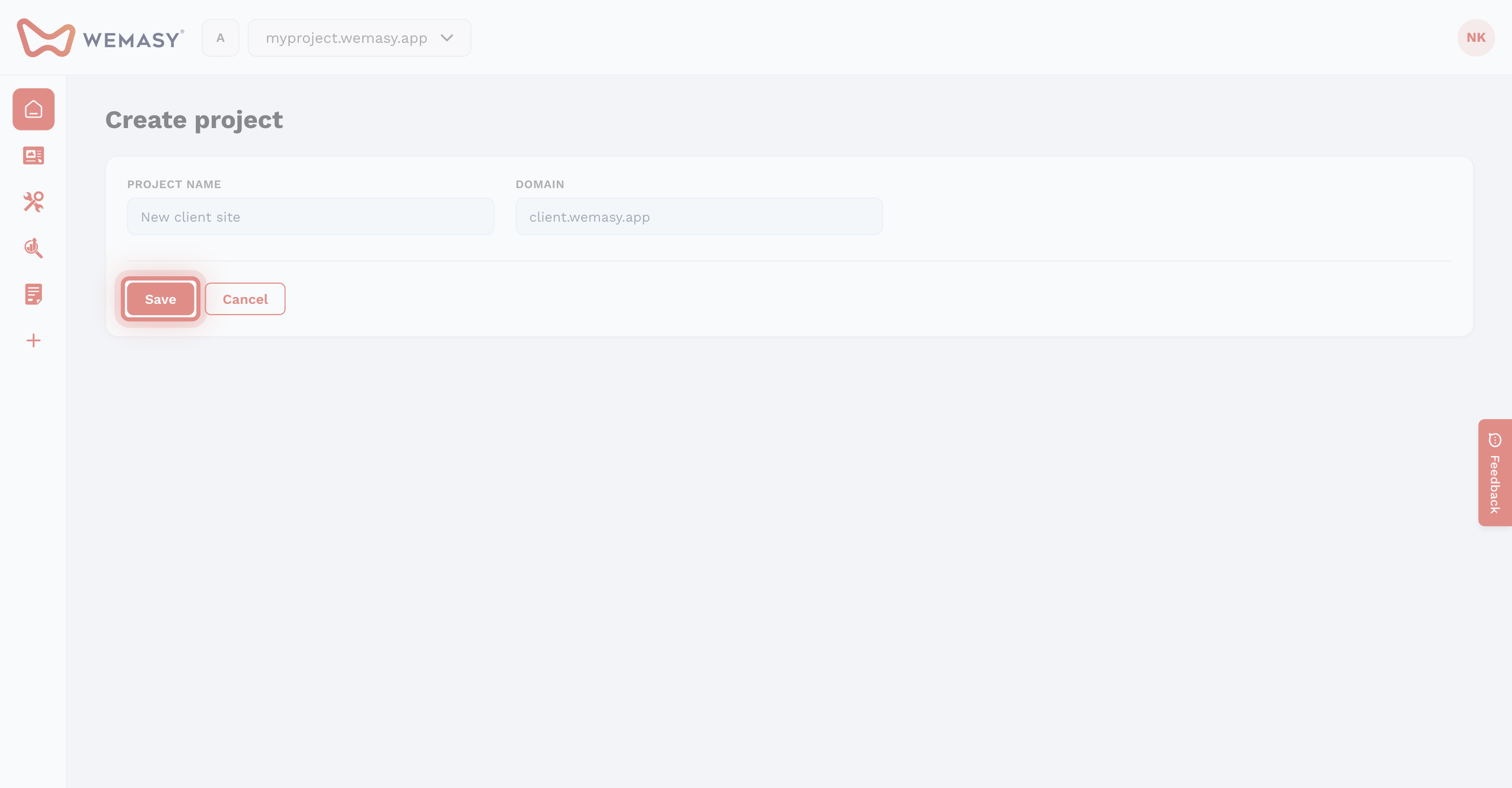
Follow these steps to create a new project:
- Click your avatar or initials in the top right corner of the screen.
- Select Projects from the account menu.
- Click New project.
- Enter a name for your project.
- Confirm to create the project.
Your new project will be created and set as the active project. You will be taken to the dashboard for that project.
Starting from scratch
A new project starts empty. You can begin adding pages, configuring settings, and building your website right away.
You may want to start by setting up the basics:
- Give your project a descriptive title in the project settings.
- Set the language and time zone for your website.
- Upload a logo and favicon in the site identity section.
- Configure your domain when you are ready to publish.
Tip: You can always rename your project or change its settings later. There is no need to finalize everything before you start building.
Switching to your new project
After creating a new project, it becomes the active project. To switch back to a previous project, use the project switcher in the top navigation bar.