

Creating a workspace allows you to group multiple projects under one umbrella. This is especially useful if you manage websites for different clients or brands.
How to create a workspace
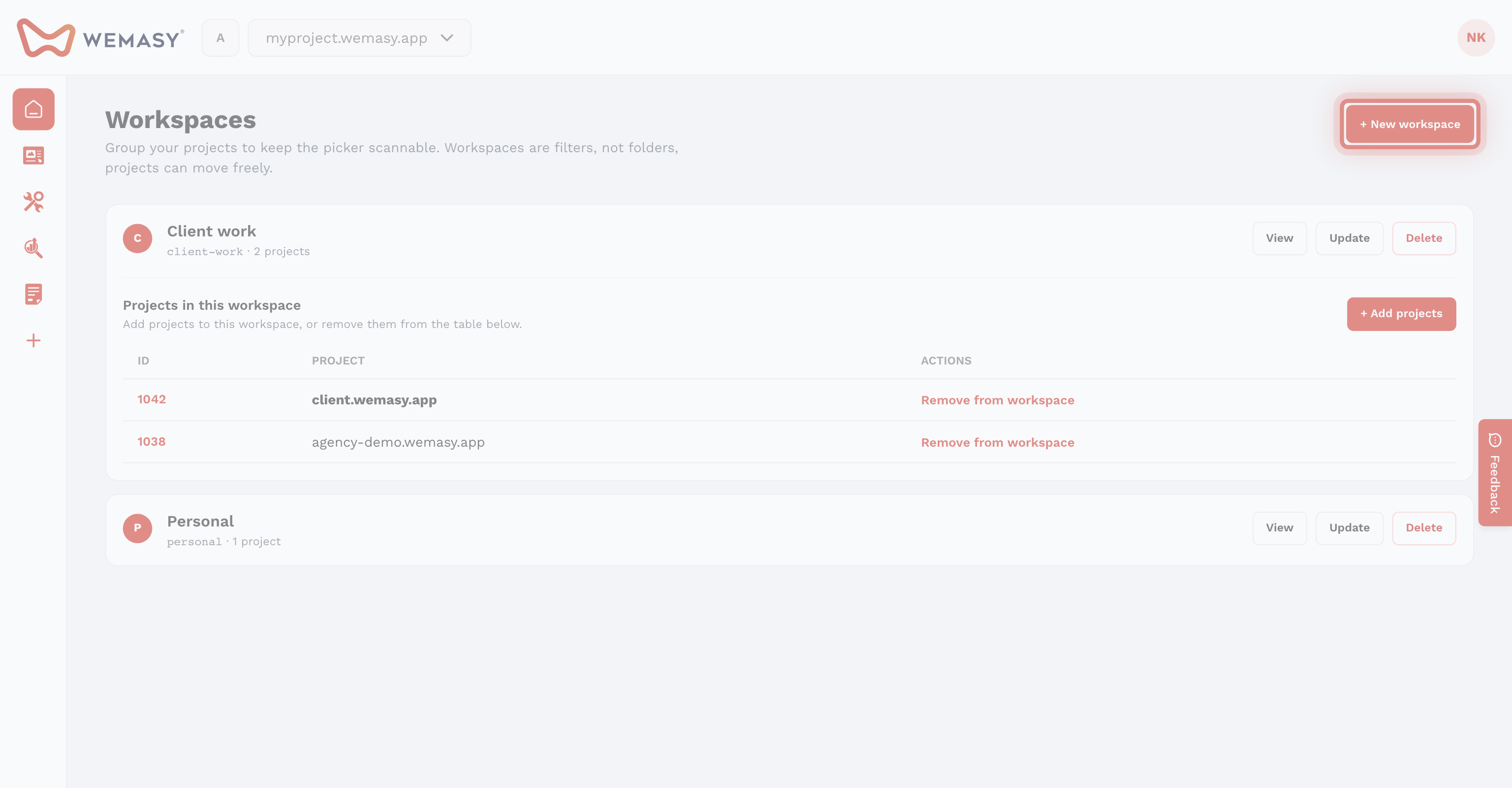
Follow these steps to create a workspace:
- Click your avatar or initials in the top right corner of the screen.
- Select Workspaces from the account menu.
- Click the option to create a new workspace.
- Enter a title for your workspace.
- Connect the projects you want to include in the workspace.
- Confirm to create the workspace.
A workspace can contain more than one project. You can connect as many projects as you need to a single workspace.
Tip: Choose a clear and descriptive name for your workspace. For example, use a client name or brand name so you can identify it quickly.
Naming your workspace
A good workspace name makes it easy to recognize what is inside. Here are some examples:
- Client name — Use the name of the client whose projects are grouped together.
- Brand name — Use the brand name if you manage multiple brands.
- Department name — Use the department name if projects are organized by team.
You can rename your workspace at any time after creating it.
Managing your workspace
After creating a workspace, you can:
- Add existing projects to the workspace.
- Remove projects from the workspace.
- Rename the workspace.
- Delete the workspace if it is no longer needed.
Note: Deleting a workspace will not delete the projects inside it. The projects will simply no longer be grouped together.