

WEMASY keeps a record of all your payments. You can view your invoices and payment history at any time from your account settings. This article explains how to access them.
Accessing your invoices
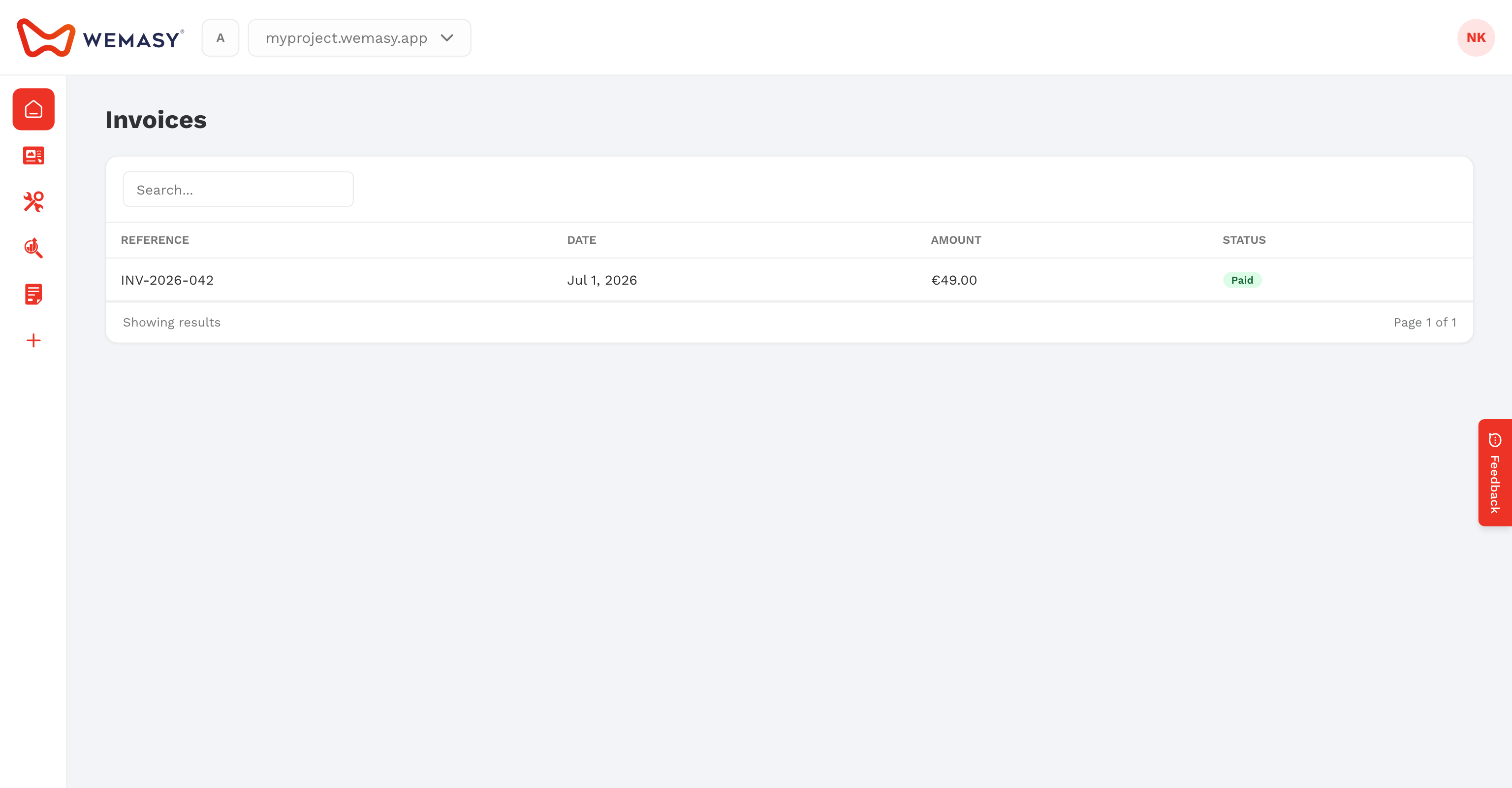
- Click your avatar or initials in the top right corner of the dashboard.
- Select Billing and invoices from the account menu.
- You will see a list of your past invoices and payments.
What you can see
The billing section shows the following information for each payment:
- Invoice date
- Amount charged
- Plan associated with the payment
- Payment status
Downloading invoices
You can download individual invoices for your records. Each invoice is available as a downloadable file that you can save or print.
To download an invoice, locate it in your payment history and click the download option next to it.
Tip: Download your invoices regularly if you need them for bookkeeping or expense reporting.
Questions about a charge
If you see a charge you do not recognise or have a question about a payment, contact WEMASY support. You can reach support through the floating WEMASY button in the bottom right corner of the dashboard.