

WEMASY allows you to mark a project as a theme. This is an advanced feature that makes the project's templates available as a reusable theme for other projects.
What marking as a theme does
When you mark a project as a theme, its structure and templates become available as a starting point for other projects. This is useful if you want to create a consistent design that can be reused across multiple websites.
How to mark a project as a theme
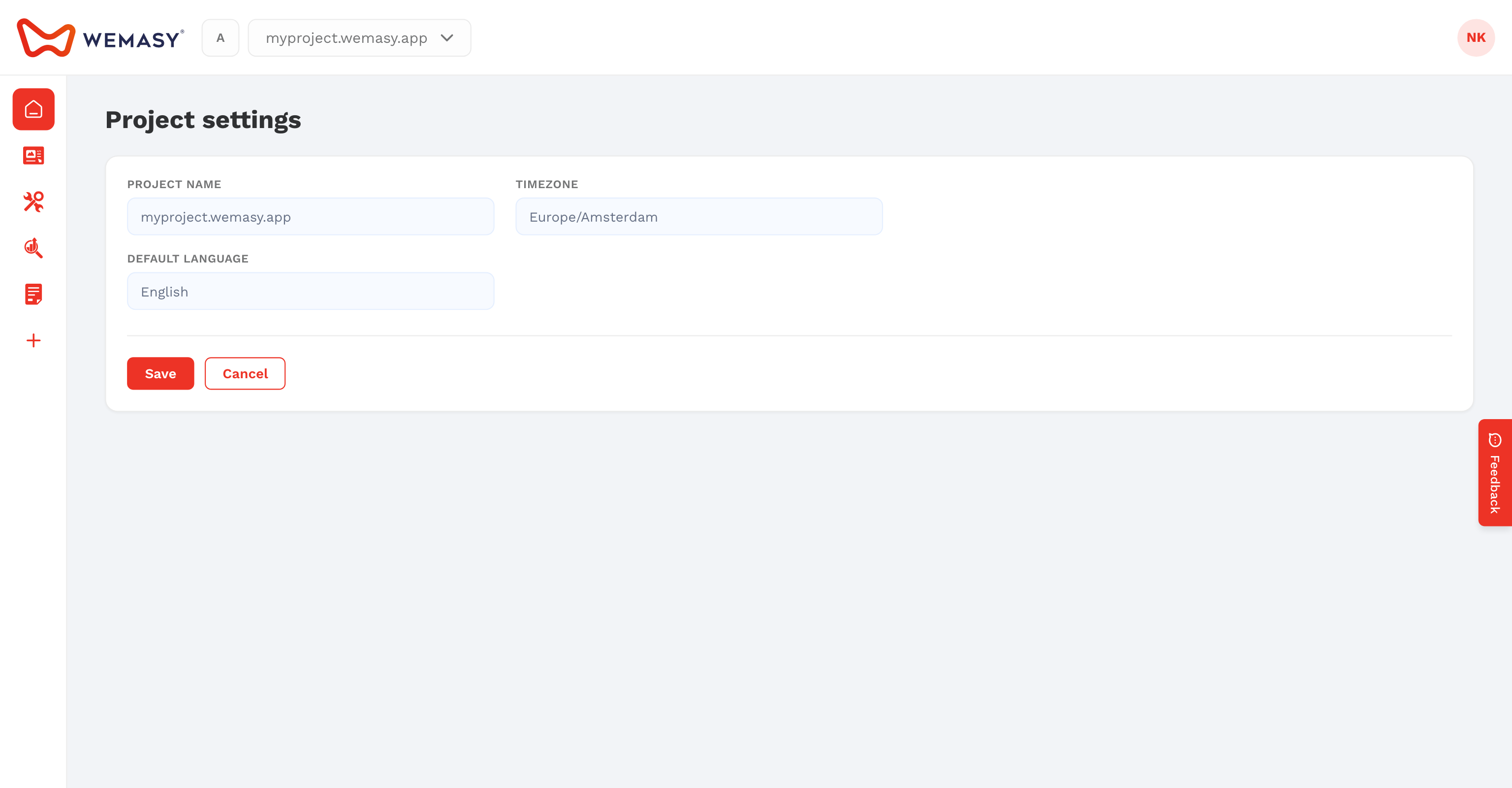
- Click the configuration icon next to the project switcher in the top navigation bar.
- Make sure you are on the General tab.
- Scroll down to find the mark as theme option.
- Enable the option to mark the project as a theme.
- Save your changes.
Who should use this feature
This feature is intended for advanced users who need to create reusable templates across multiple projects. Most users will not need to use this option.
Note: Marking a project as a theme does not affect the project itself. You can still edit and publish it as a regular website.