

Color presets in Customization apply across your site.
Open Colors
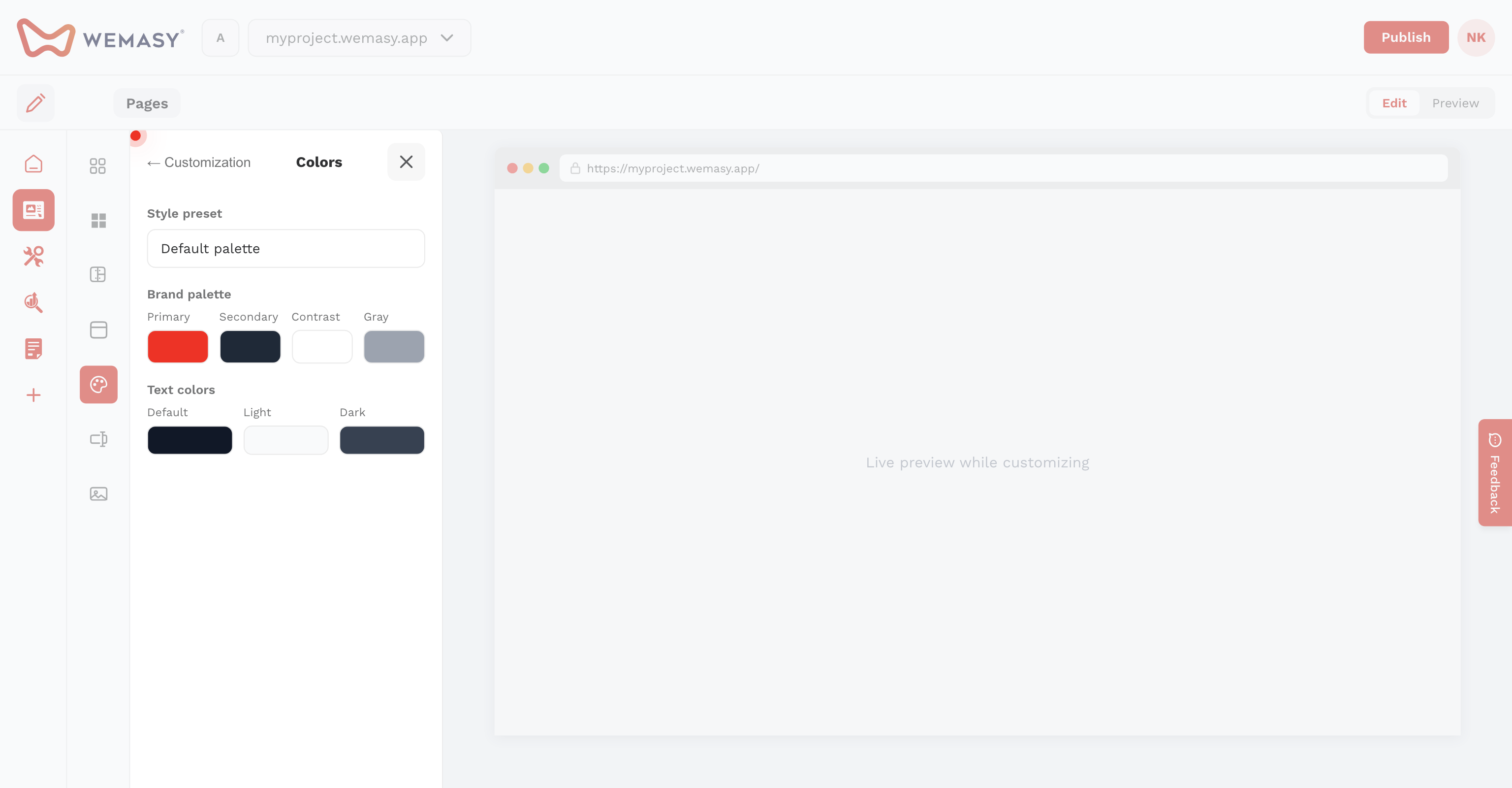
In Customization → Colors, choose a style preset or edit your palette.
Color roles
- Primary, Secondary, Contrast, Gray — Brand palette
- Default, Light, Dark text — Used when sections set text color to default, light, or dark
Changes apply globally to all pages using default styles.