

The Pages sidebar is your hub for every URL on your site.
Views and filters
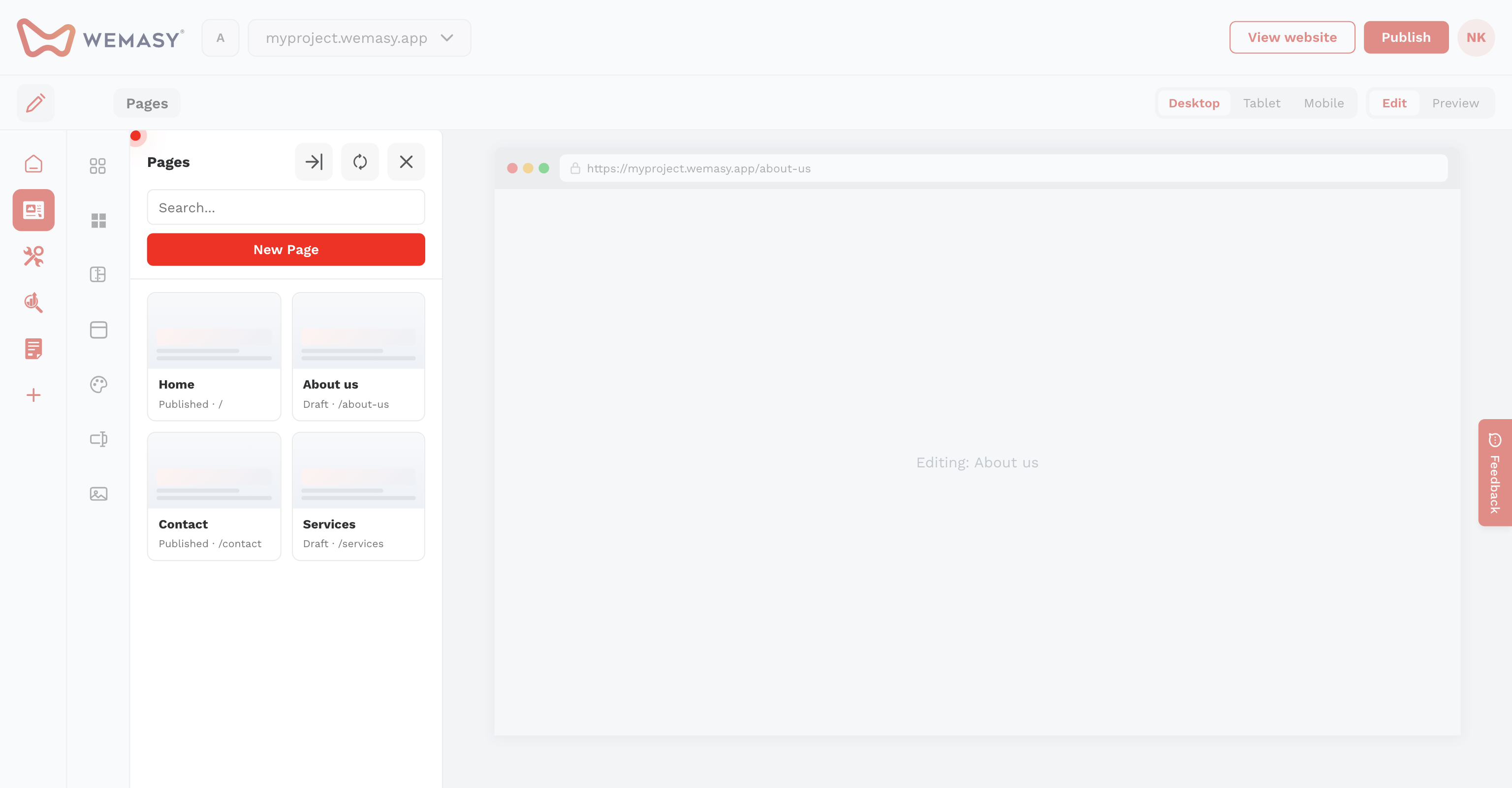
- Switch between card view and list view.
- Filter by All, Active, or Draft.
- Search pages with the search field.
Page actions
Open the three-dots menu on a page to Edit, Copy to project, or Delete. When editing a page, use Duplicate Page to create a copy with a -copy URL suffix.
Pages table view
Open Pages → View all (or go to the pages table) for a full list with bulk actions. The sidebar is best for quick edits; the table is best for managing many pages at once.
URL changes
When you change a page URL, WEMASY can offer to create an automatic redirect. See Redirections and broken links.