

Keep URLs working when you rename pages and fix links visitors hit by mistake.
Redirections
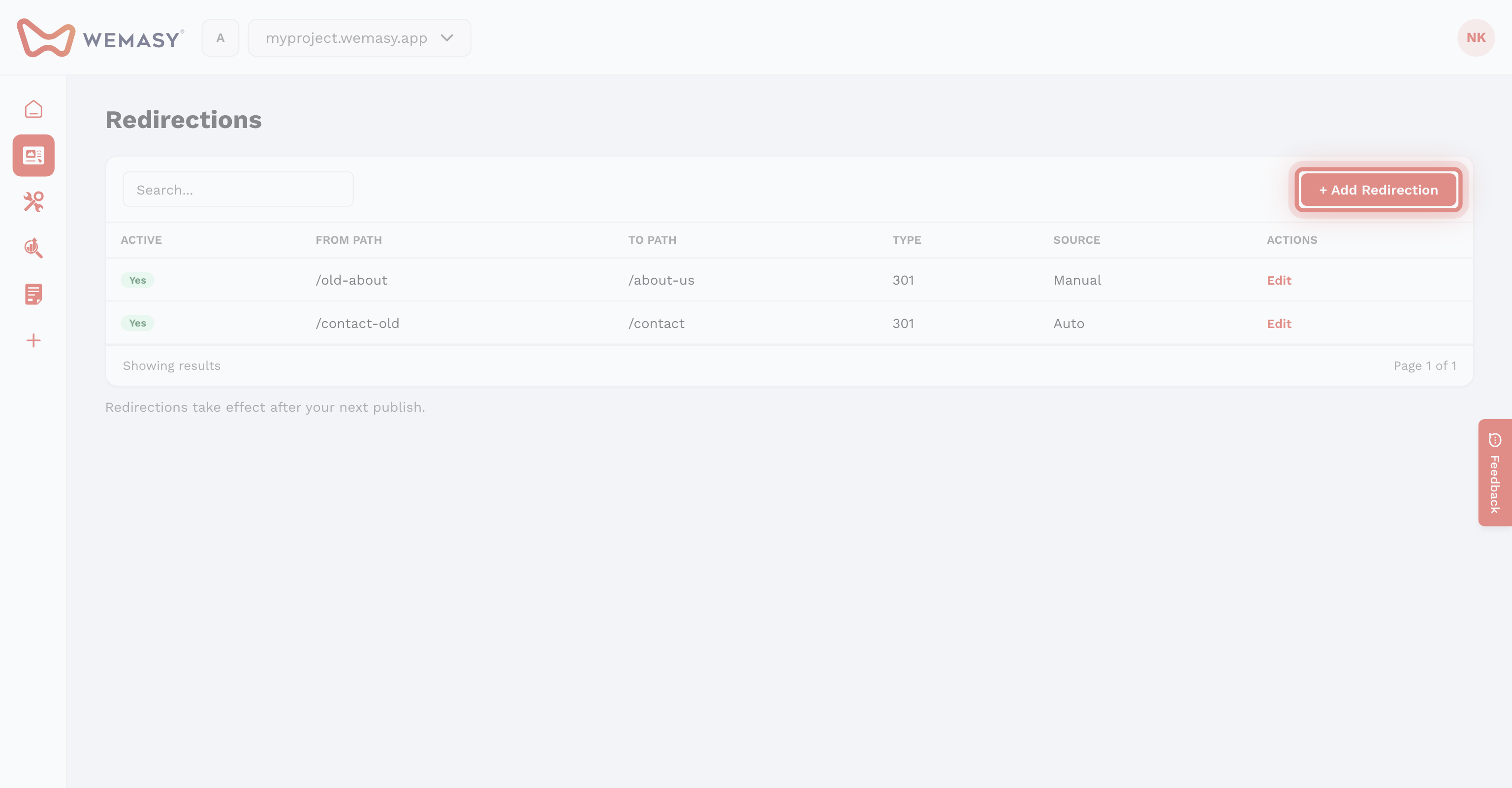
Open the three-dots menu next to Pages and select Site Redirections, or go to Project Setting → Site Builder.
Click Add Redirection. Set From Path, destination (custom URL or existing page), and type (301 Permanent or 302 Temporary). Changes apply after the next deploy.
When you change a page URL, WEMASY can offer to create an automatic redirect.
Broken links
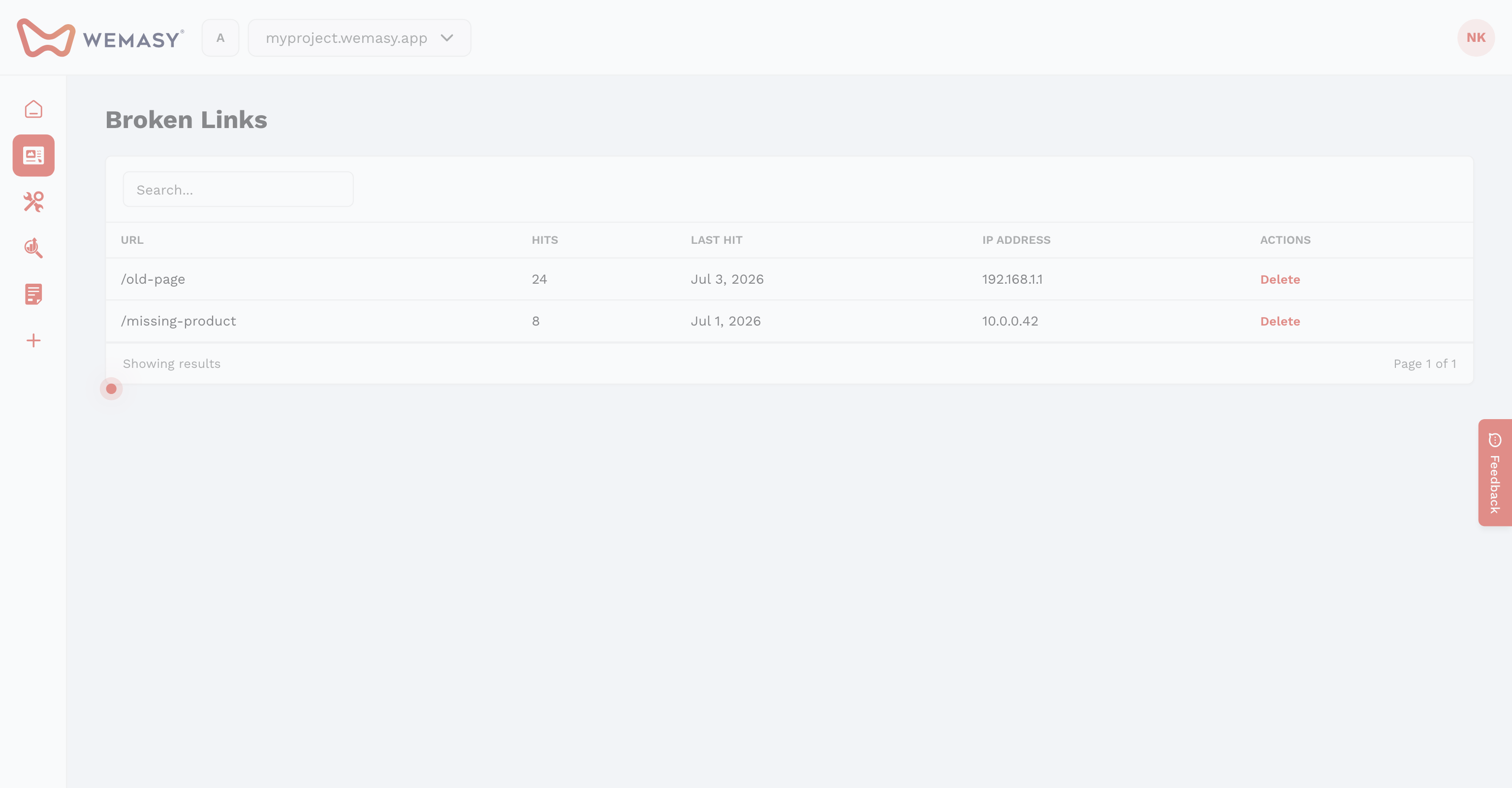
Open Broken Links from the same menu to see 404 URLs, hit counts, and last visit data from your published site.