

Create and publish your website without code. Website Builder is the core WEMASY design tool.
Where to find it
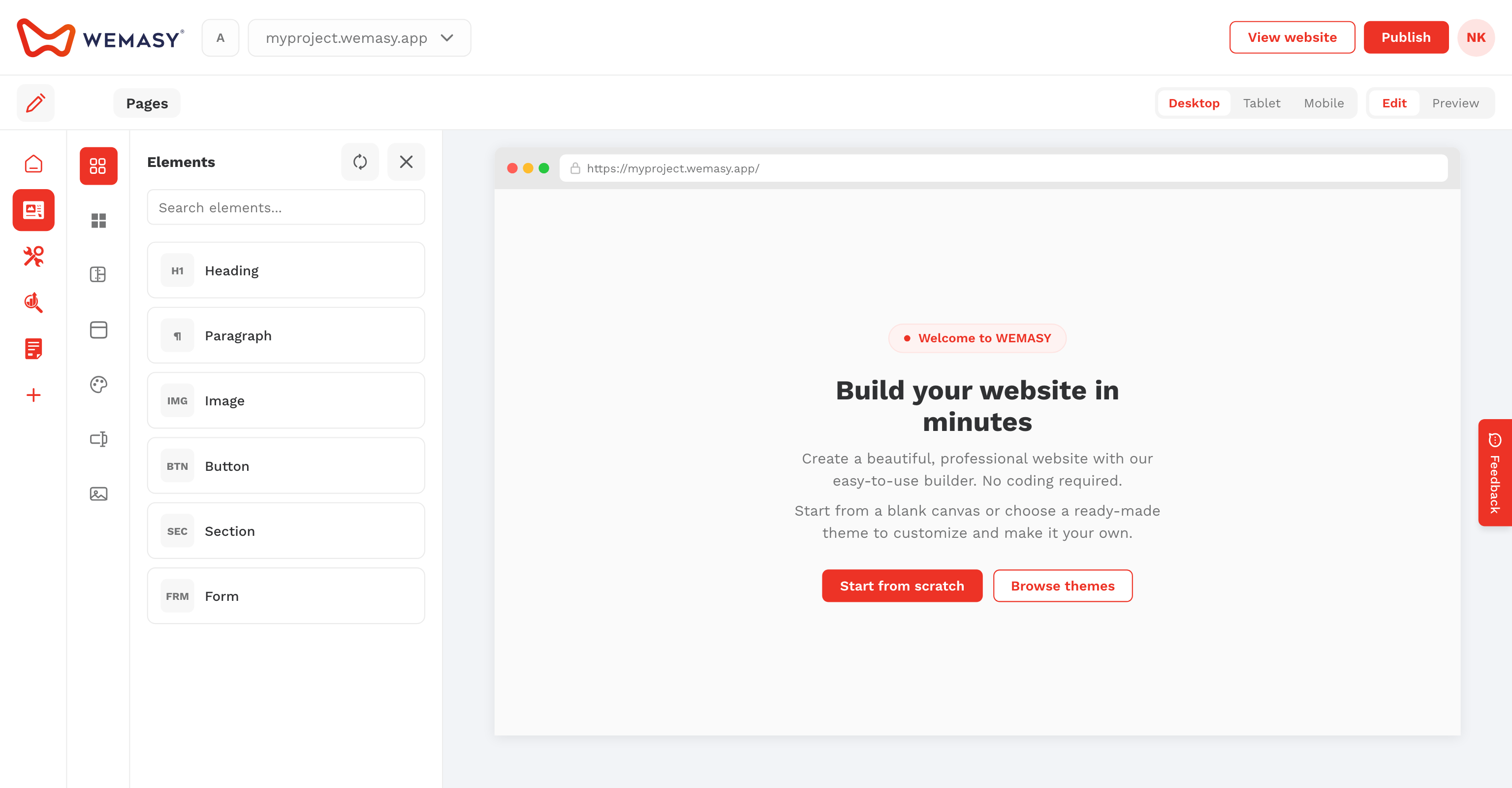
Move your mouse to the left edge of the screen and select Website Builder from the product switcher.
Start here
- Edit mode and the builder interface
- Site identity and branding
- Creating a new page
- Quick deploy and view website
- Publishing your website
Pages
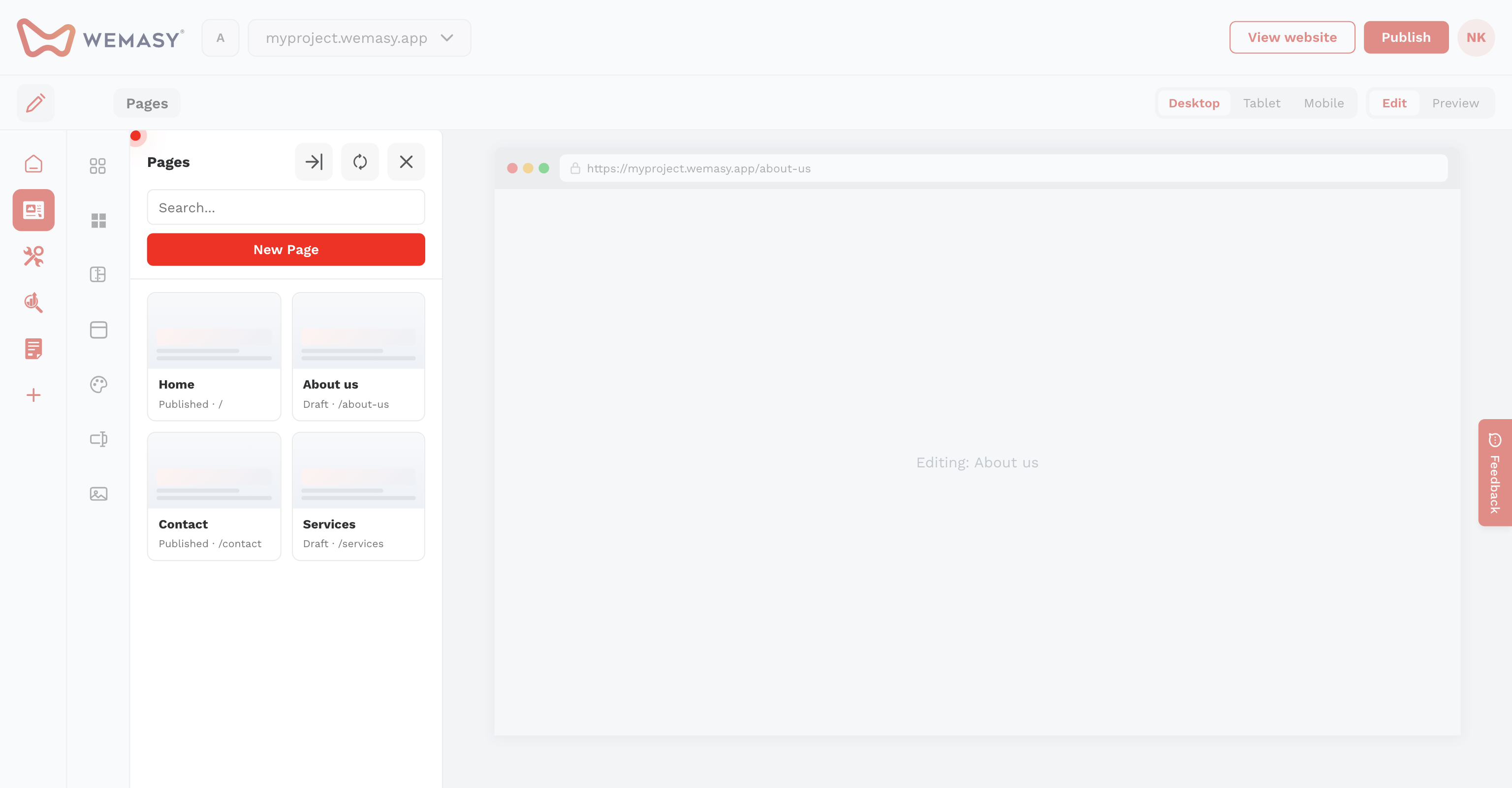
- Creating a new page
- Managing your pages list
- Page settings and SEO
- Password-protected pages
- Menus and navigation
- Creating forms from the Pages menu
- Working with structures
- Structure categories
- Structure index pages
- Structure external URLs
- Disable single page and listing
- Scheduled publication
- Social share images and thumbnails
- Copy-paste between pages
- Editor version history
Customization
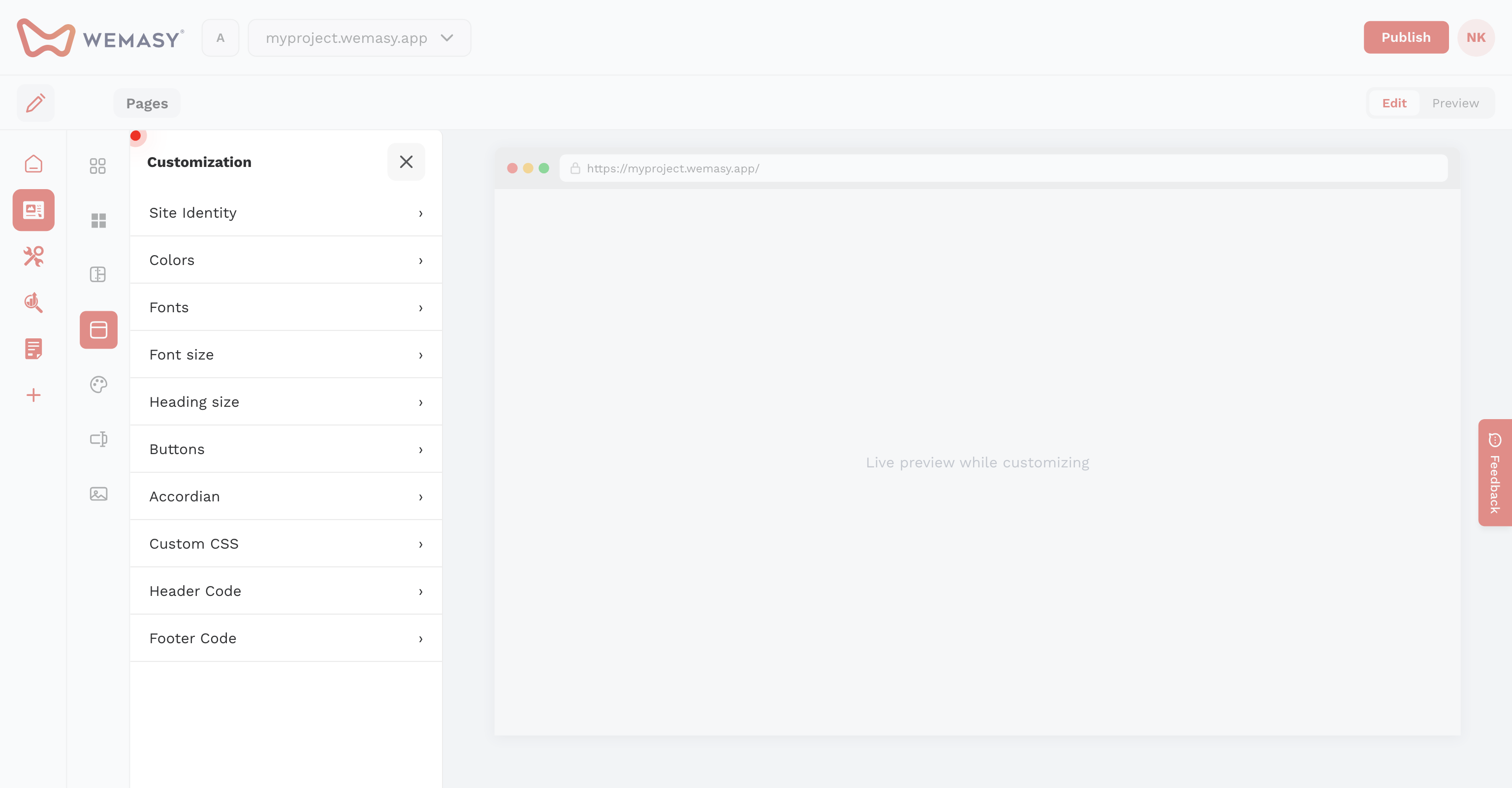
- Site identity and branding
- Colors in customization
- Fonts in customization
- Font sizes and heading sizes
- Button styles in customization
- Accordion styles in customization
- Custom CSS
- Integration header and footer code
Elements
- Paragraph
- Columns and section styling
- Buttons, links, and animations
- Conditional logic
- Structures grid
- Image
- Gallery
- Video
- Slider
- Product carousel
- Accordion
- Embed
- Forms
- Contact form
- Map
- Social links
- Review
- Scroll
- 3D model
- Products
- Product categories
- Add to cart
- Section animations and visibility
- Shortcodes
Layouts and templates
- Layouts explained
- Default menu and default layout
- Templates and themes
- Template library and filters
- Inserting templates on the canvas
- Custom templates and code
- Reusable templates
- Content blocks
- Theme marketplace
- Theme version updates
- Installing themes with sample data
Menus
Publishing
- Publishing your website
- Quick deploy and view website
- WEMASY subdomain and export
- Custom domain publishing
- Redirections and broken links
- Auto-publish and deploy versions
- Generator and publish troubleshooting
- Website availability settings
- Custom offline and maintenance pages
- Sitemap settings
- Disable responsive preview