

Themes bundle templates, layouts, and optional sample content.
Install a theme
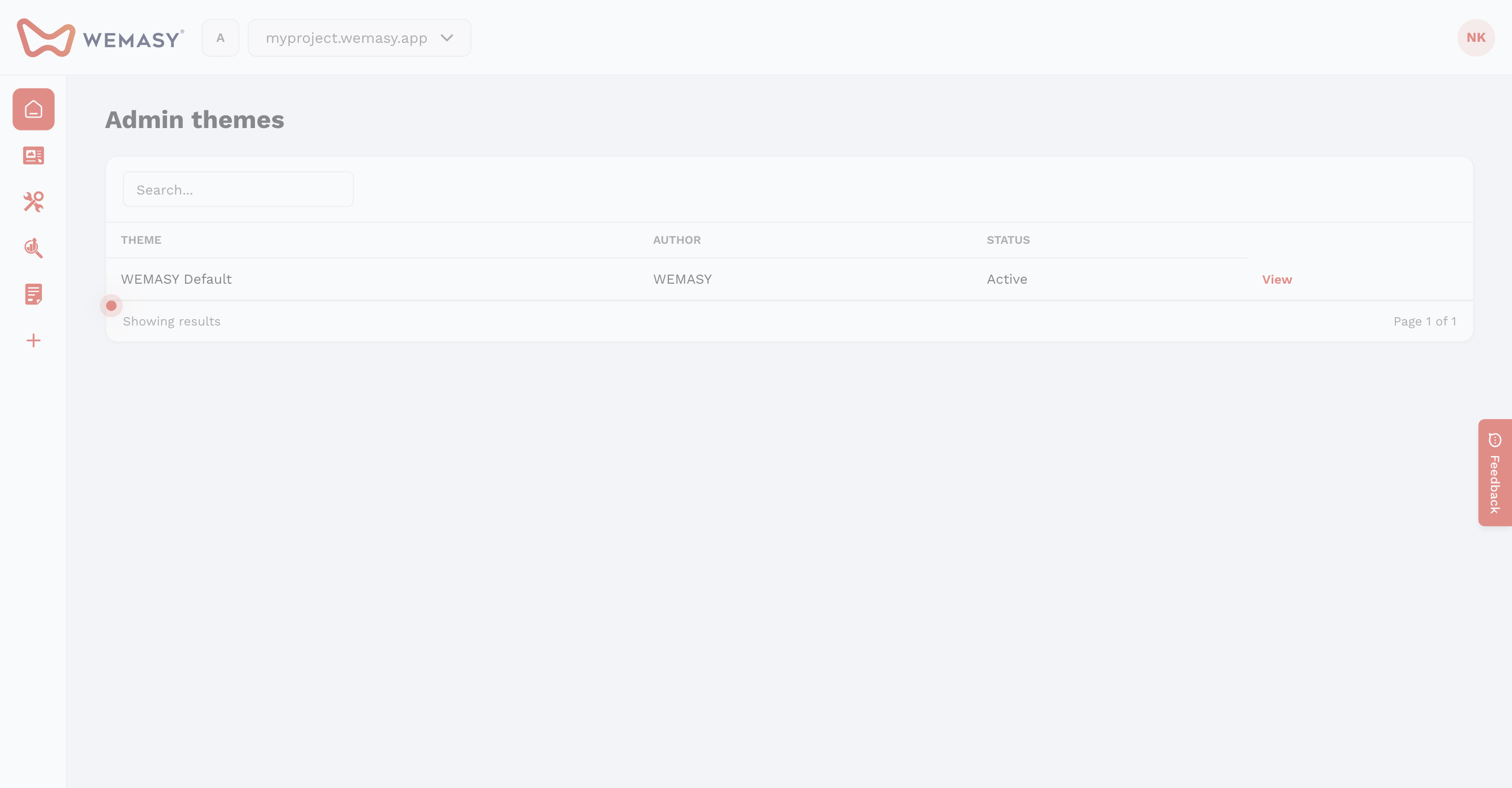
- Open Themes on the left sidebar.
- Click Install new theme and choose a theme.
- Select Manual Mode (templates only) or Sample Data Mode (imports demo pages and settings).
Sample data options
In sample data mode, choose what to import: theme settings (colors, fonts, buttons), pages, structures, and webshop data. Templates already on your site stay in place when you switch themes.