

The Image element displays one image on your page.
Add an image
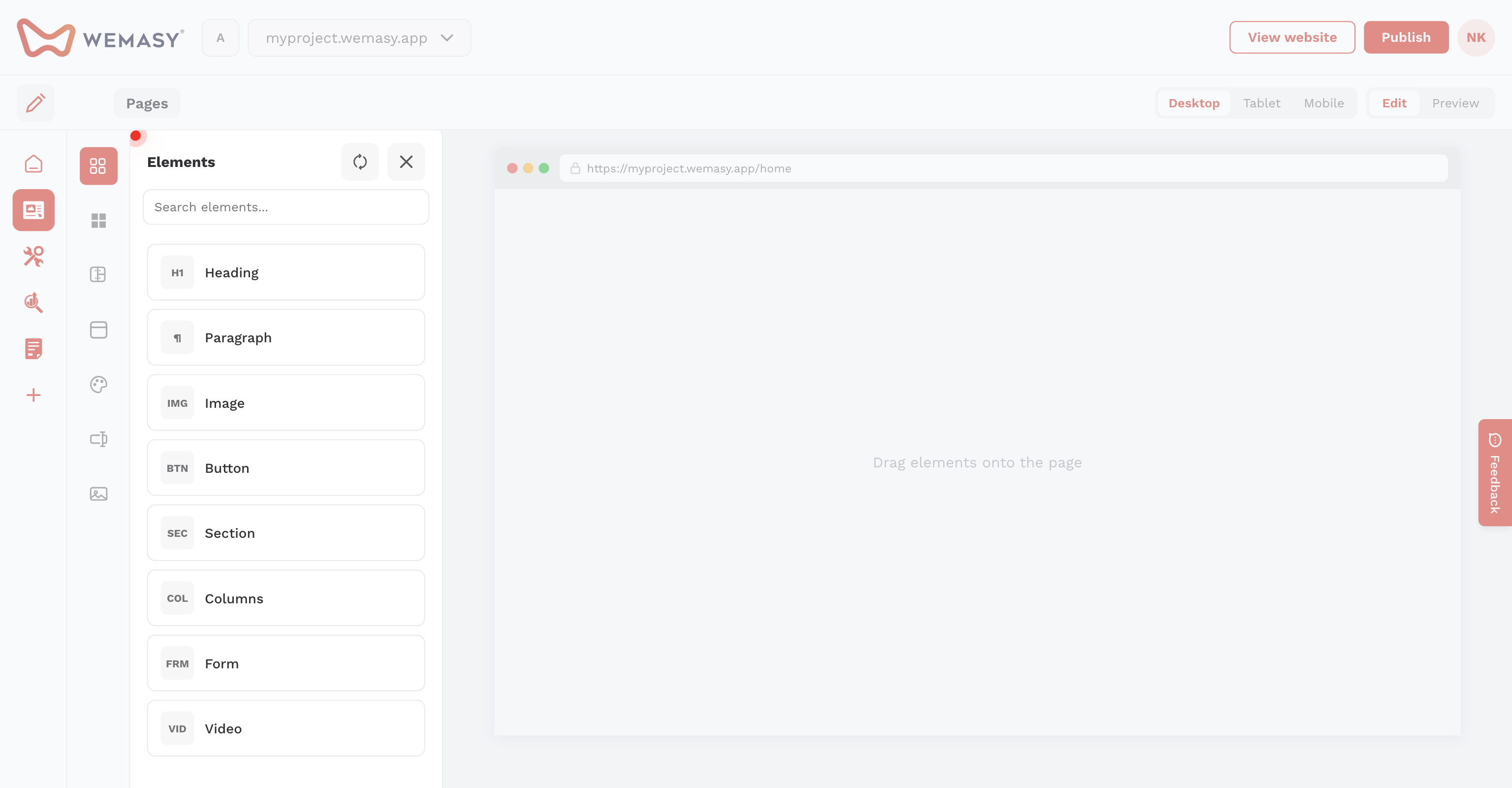
- Drag Image from Elements.
- Upload a file, paste a URL, or pick from the media library.
PNG and optimization
WEMASY optimizes images for web. For PNG transparency, choose whether to keep transparency or replace it with a background color when converting to JPEG.
Settings
Set alt text, width, height, radius, border, alignment, shadow, and click behavior (link or fullscreen).