

Menus connect visitors to pages, structure items, and shop categories.
Create a menu
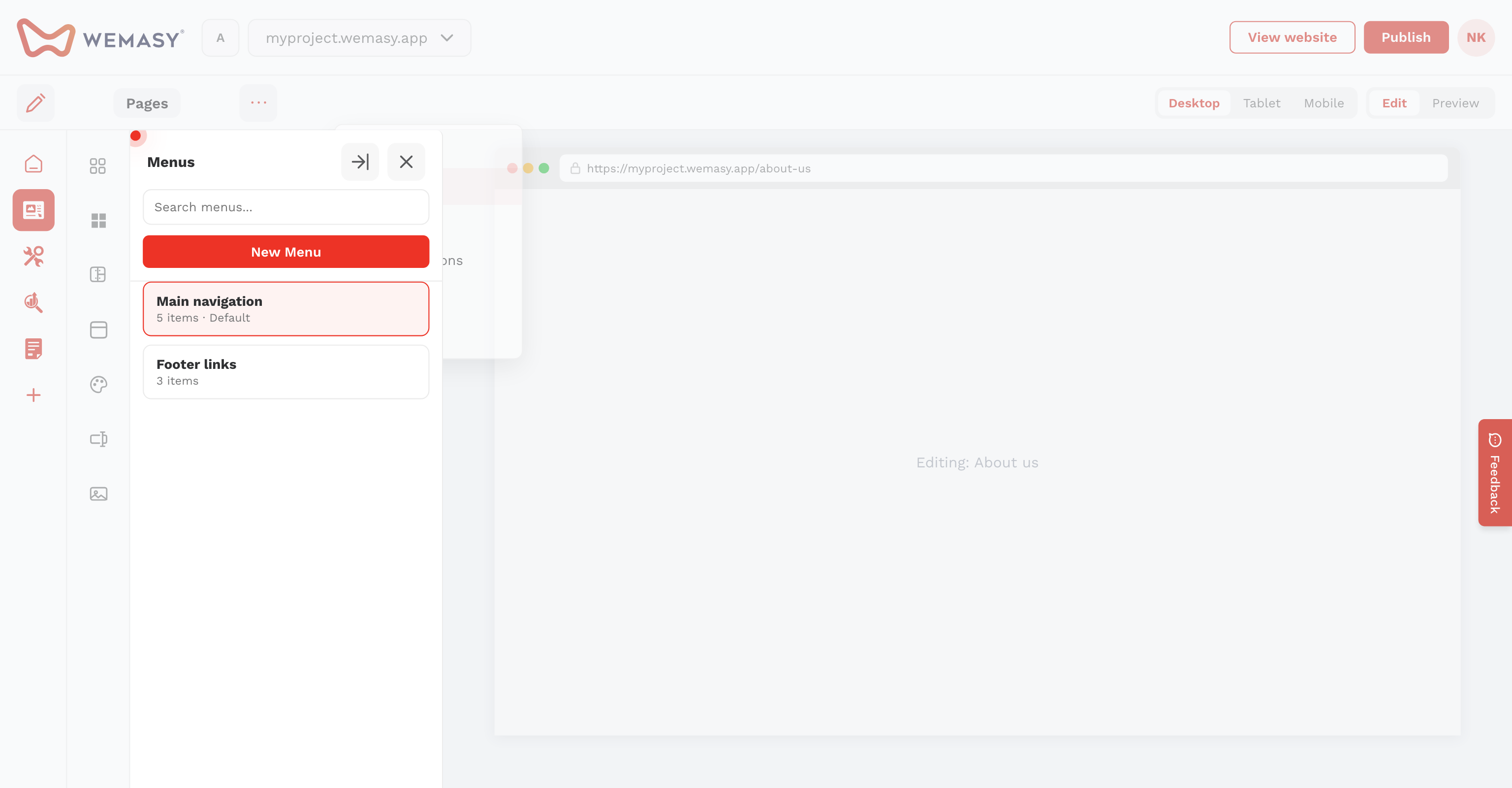
- Click the three dots next to Pages and open Menus.
- Click New Menu and enter a title.
- Add items with the red plus icon. Choose a page or enter a custom link.
- Drag items to reorder. Set display type, style, and icon per item if needed.
Add to a page
Menus are usually placed inside header reusable templates or layout headers. Filter menu items by pages, structure items, products, or product categories.