

Columns and section settings control layout and visual design at block level.
Columns
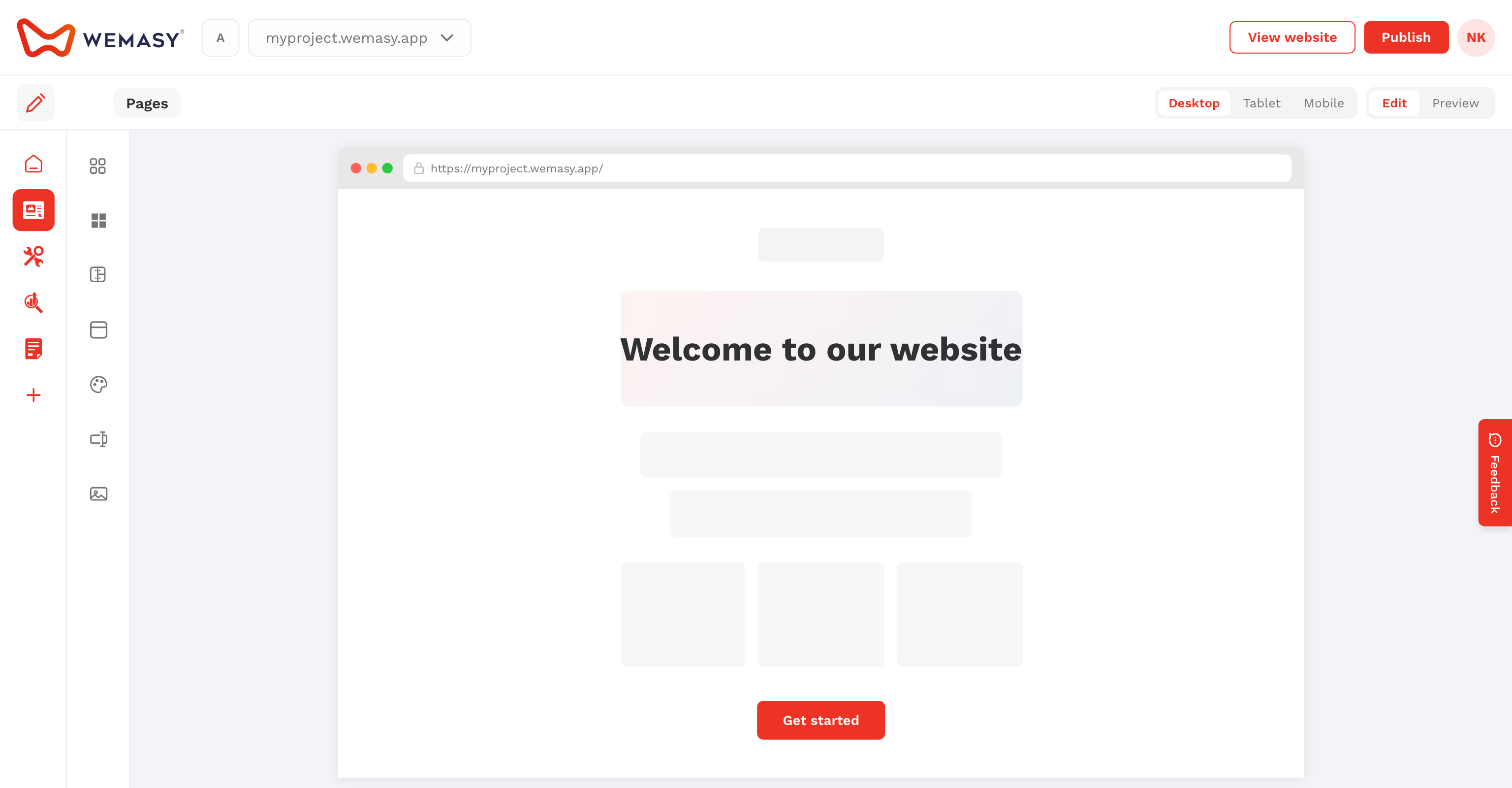
Drag Columns onto the canvas. Click the table icon to set column count, gap, mobile gap, reverse order on mobile, and alignment. Nested columns show controls on the right side; top-level columns show controls on the left.
Section configuration
Click the configuration icon on any element to open styling for that block or group:
- Spacing — Margin and padding (desktop and mobile)
- Background — Color, gradient, image, or video
- Borders and radius
- Text color — Light or dark text for dark backgrounds
- Visibility — Hide on mobile or desktop (visible on live site preview)