

Categories group structure items (for example blog categories or product lines).
Enable categories
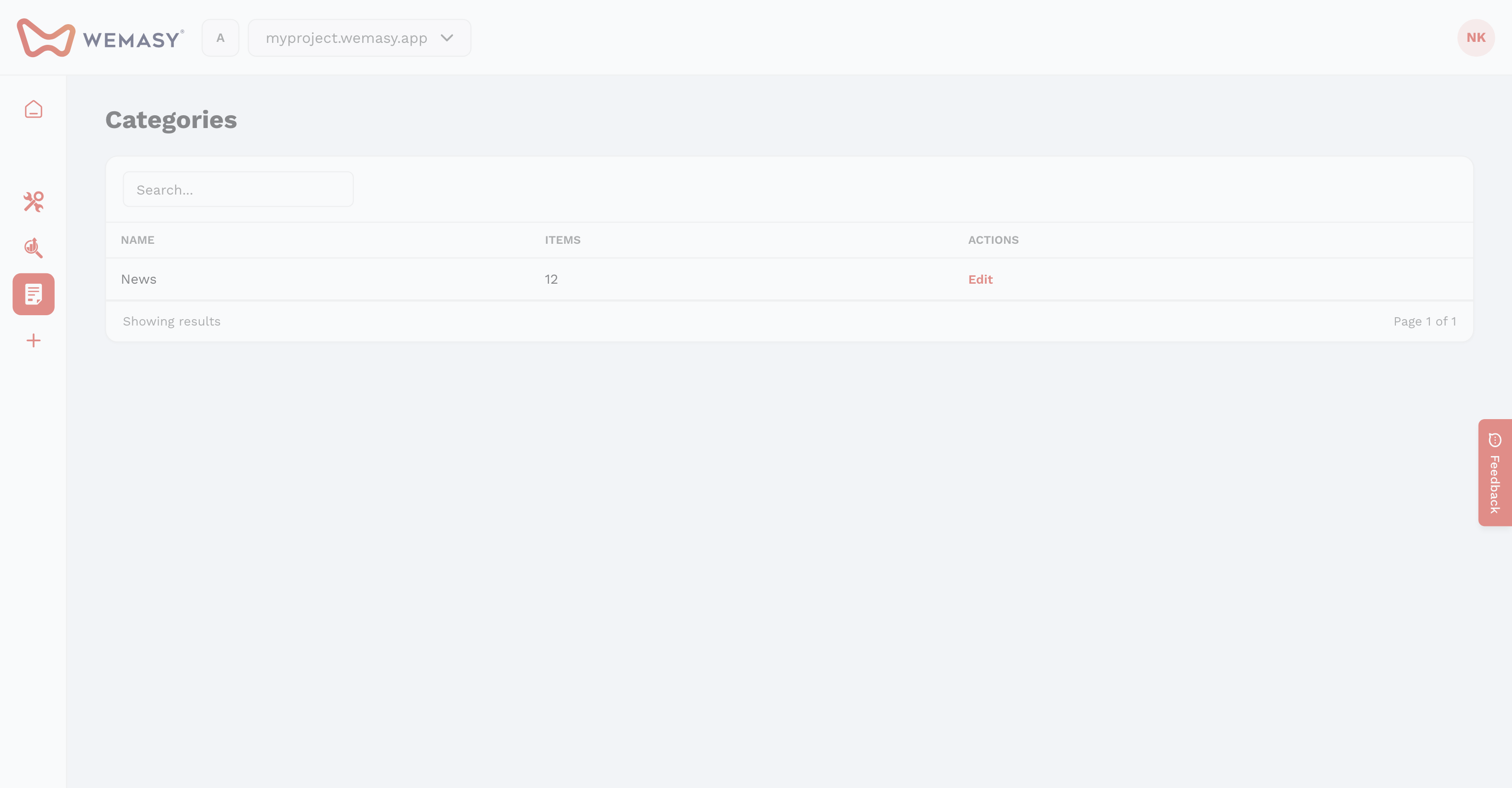
When creating a structure, enable categories. A Categories tab appears in the top bar next to Items.
Create a category
- Open the structure → Categories → New category.
- Set title, URL, intro, content, sort number, and image.
- Set a parent category for nested hierarchies.
- Add Categories Custom Fields on the structure definition if you need extra fields per category.
SEO and layout
Each category has SEO fields (meta title, description, canonical, meta image) and its own layout override. Use Disable single page or Disable listing like on items.
Assign to items
On a structure item, open the Categories tab. Select one or more categories and set a primary category for URLs and breadcrumbs.