

Password protection lets you hide content behind a login screen you design.
Enable protection
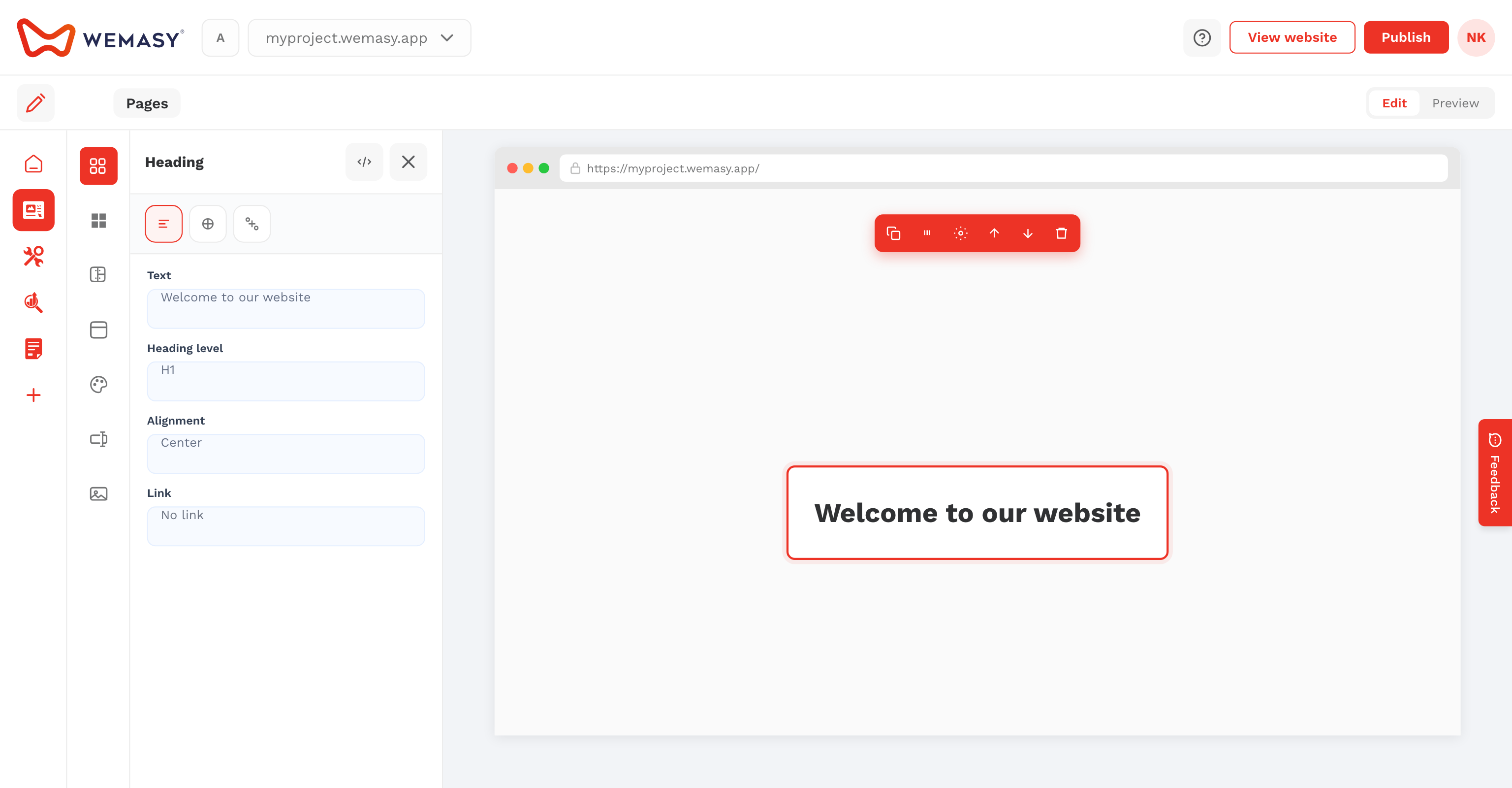
- Edit the page and open the Security tab.
- Enable Secure page with password and set a password.
- Save the page.
Design the protected view
Create the public login page first. Then switch to Edit secure page in the top bar to design what logged-in visitors see.