

You can create forms without leaving Website Builder.
Open Forms
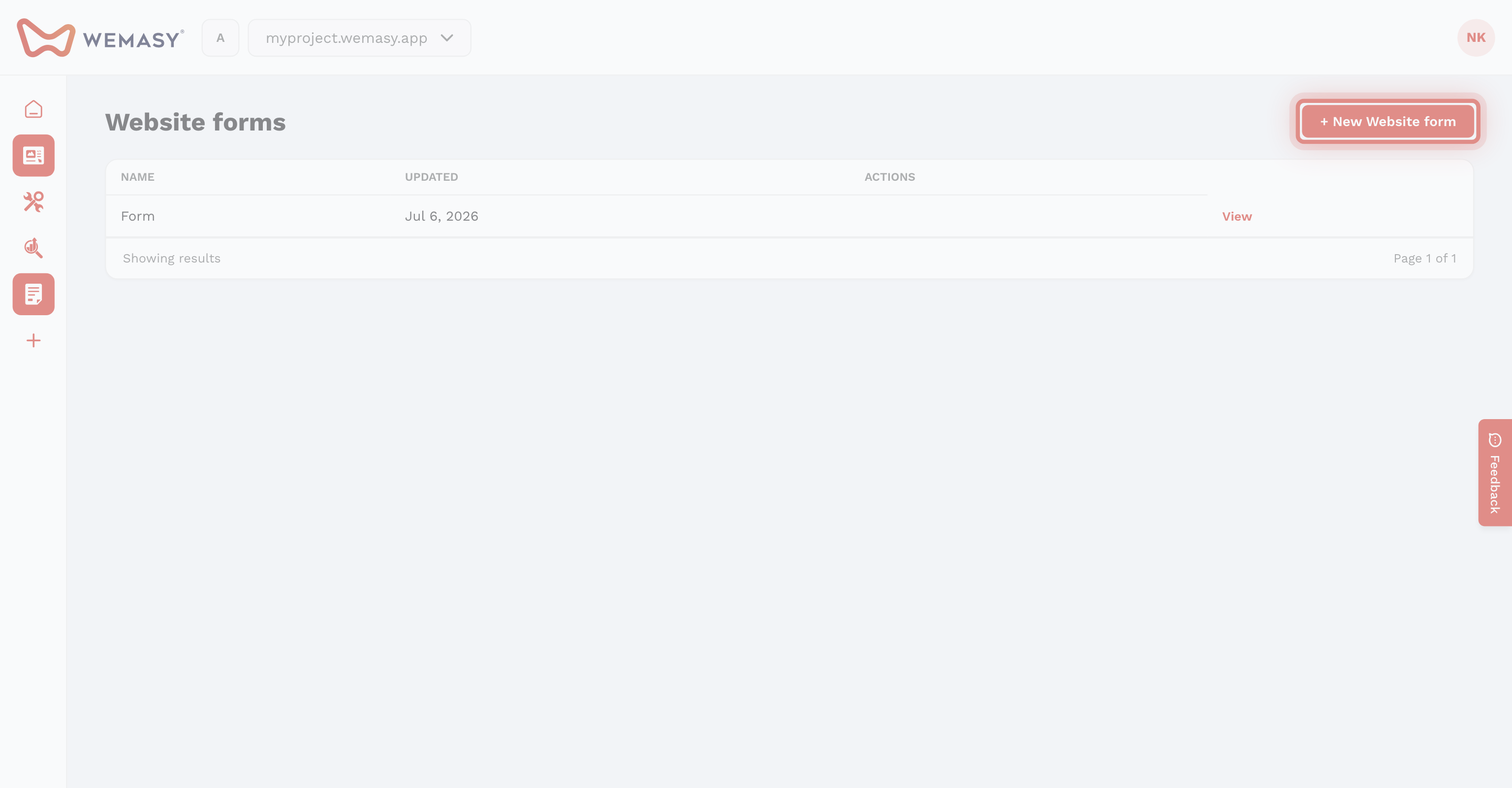
Click the three dots next to Pages and select Forms.
Create and embed
- Click New Form and set title, submit text, and notifications.
- Build fields in the form builder (field keys must include email for visitor confirmations).
- Embed with the Forms element on your page.
Full form docs: Forms knowledge base.