

Reusable templates are shared partials you maintain in one place.
Create a reusable template
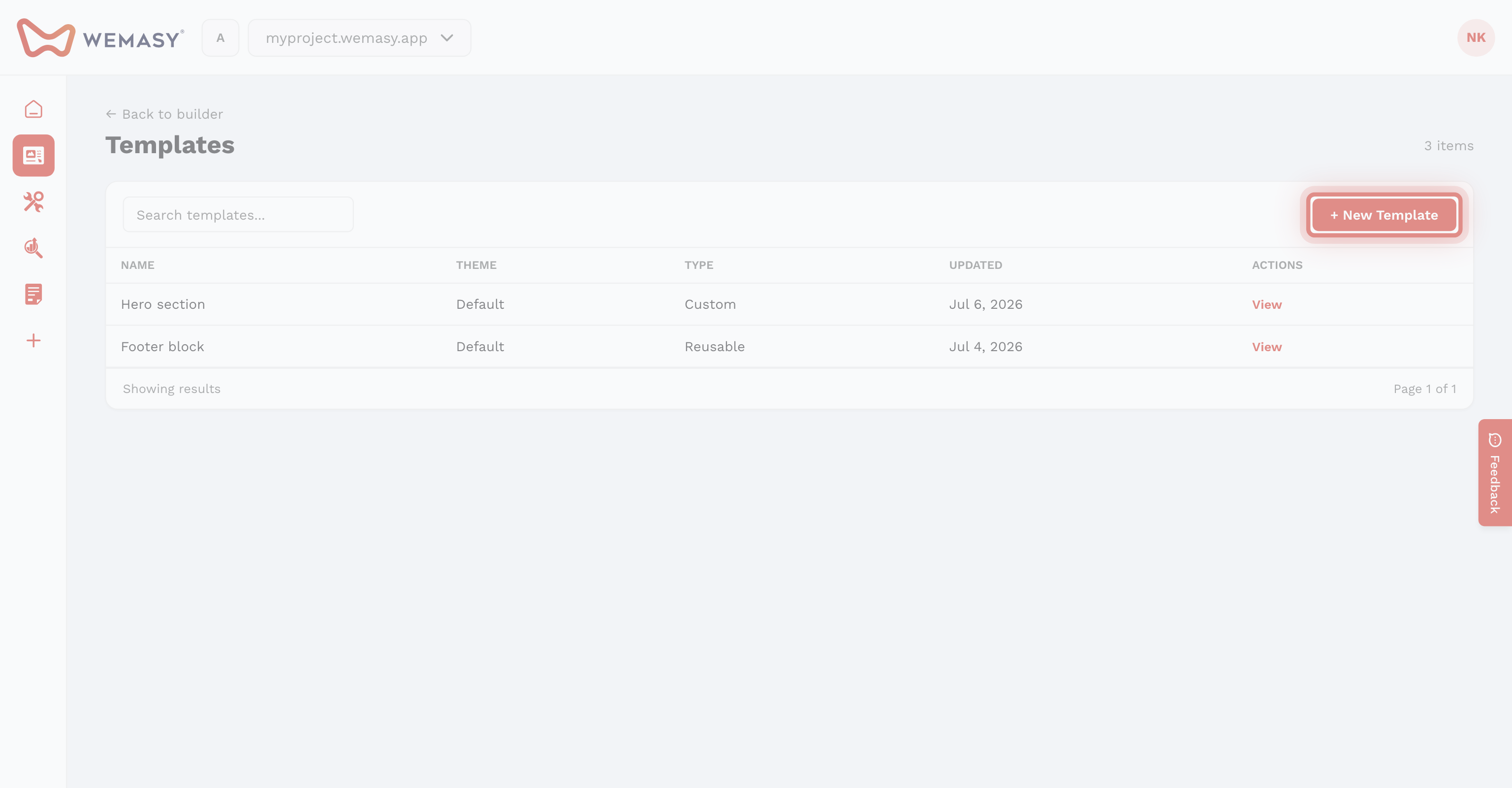
- Open Reusable Templates on the left sidebar.
- Click Create Reusable Template or convert an existing section via Convert to reusable template.
- Name the template (for example Header or Footer).
Use on pages
Load a reusable template on any page. Edits to the source template update every page that uses it. Use layouts to assign header and footer templates. See Layouts explained.