

Integration code runs on every published page. Use it for analytics pixels, chat widgets, or custom scripts.
In the editor
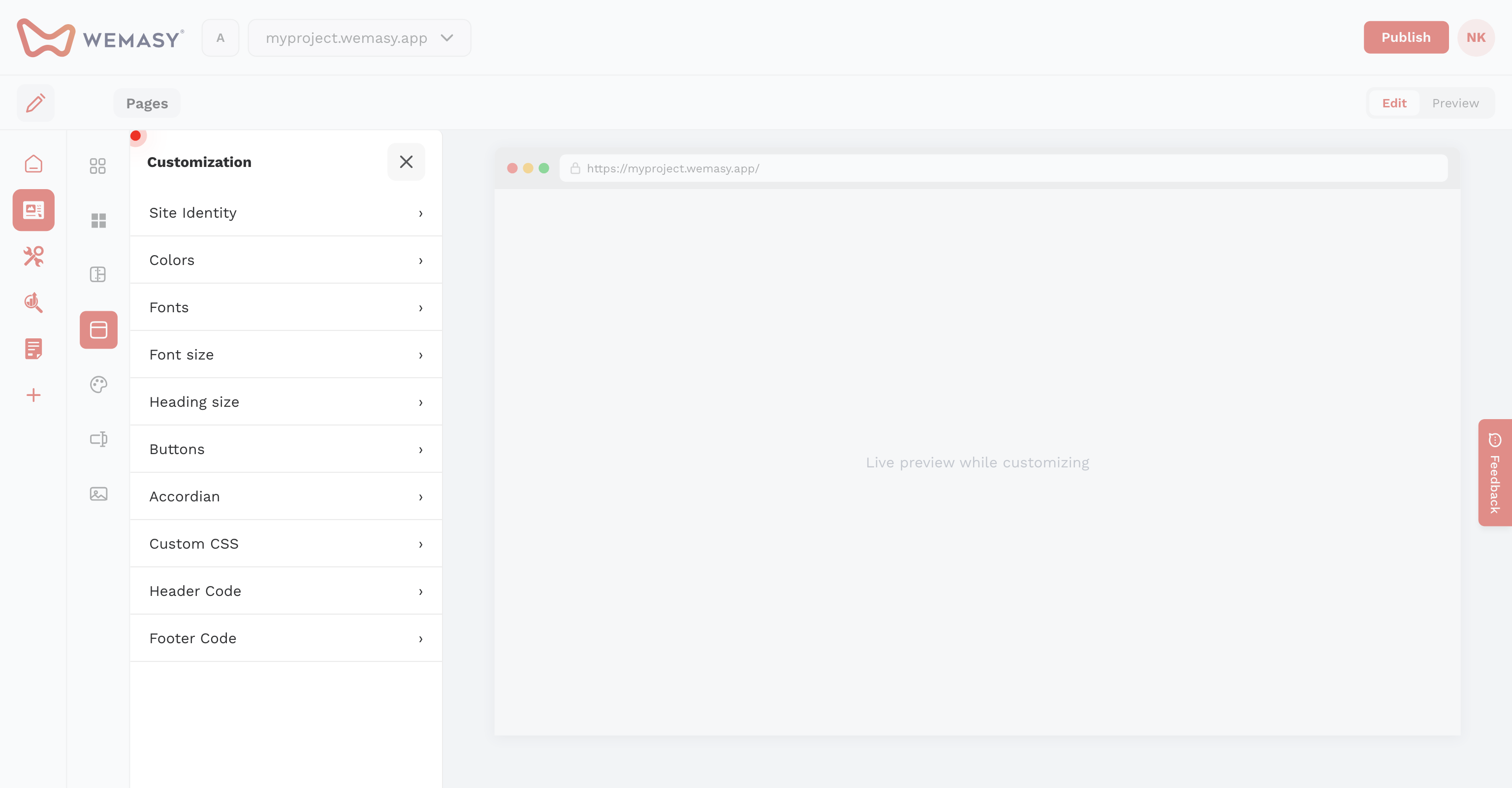
Open Customization on the left sidebar and select Integration. Add Header Code and Footer Code.
In project settings
You can also set header and footer code under Project Setting → Site Builder tab.
Note: For WEMASY Analytics on external sites, use the project tracking code in General settings instead.