

Advanced custom fields (ACF) let you extend structure items and categories beyond the default title, URL, and content fields.
On the structure definition
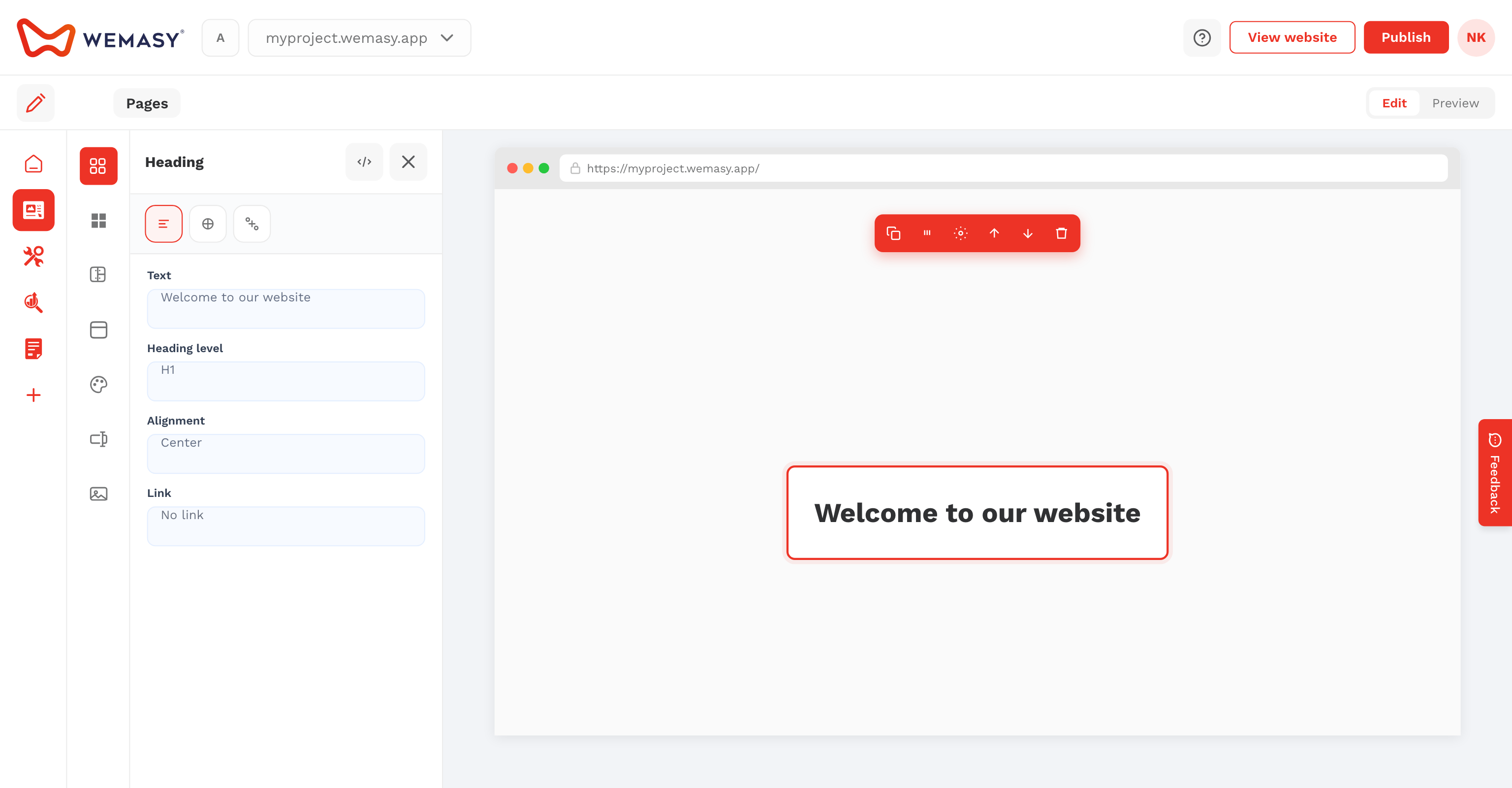
When creating or editing a structure, open Items Custom Fields or Categories Custom Fields. Click the field builder button to drag field types, set field keys, and save.
On structure items
After fields are defined, they appear on each item or category edit form. Fill in values per entry (for example author, reading time, or price display).
Use in templates
Reference field keys in custom templates and shortcodes. See Custom templates and code and Shortcodes.