

Custom templates go beyond drag-and-drop sections. You can add code and form-style custom fields.
Create a custom template
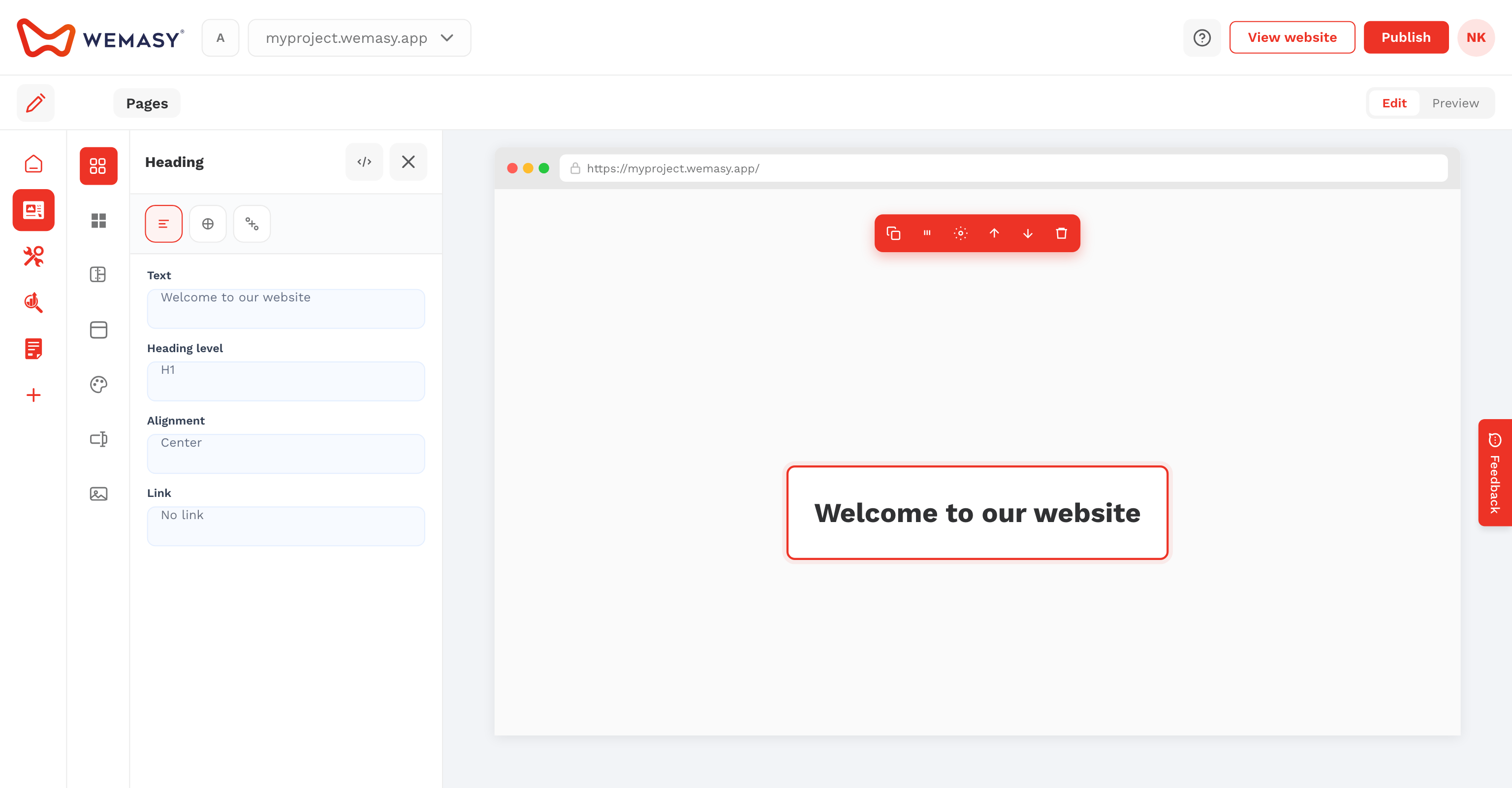
- Open Templates on the left sidebar.
- Click Create Template and save a title.
- Add Custom Fields (text, email, and other field types).
- Open the code editor for HTML, JavaScript, and CSS tabs.
Attach modes
When inserting a template, choose Independent Copy (editable only on this page) or Attached (Linked) (updates follow the source template).
Note: Custom JavaScript follows Vue.js 2 patterns used in WEMASY templates.