

The Slider element rotates through slides you design individually.
Add slides
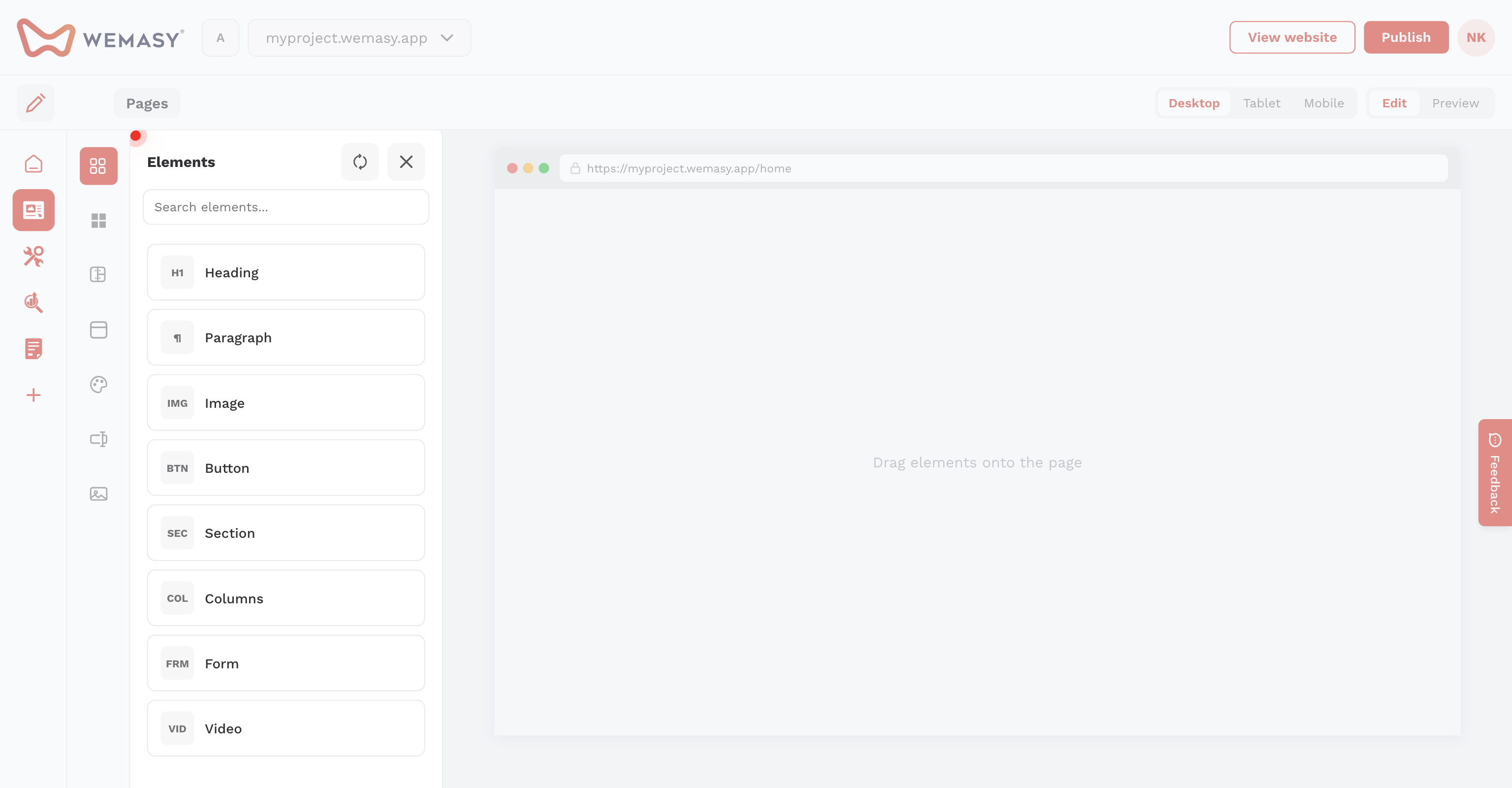
- Drag Slider onto the page.
- Click the slider icon and use the plus icon to add slides.
- Switch between slide numbers to design each slide separately.
Settings
Configure autoplay, animation type (slide, fade, continuous), slides visible per device, dots, arrows, drag navigation, and infinite loop.
Button navigation
Set a carousel identifier on the slider and matching event identifier on buttons (for example main_slider_next) to trigger next or previous.