

The data importer keeps structure items in sync with an external file.
Prerequisites
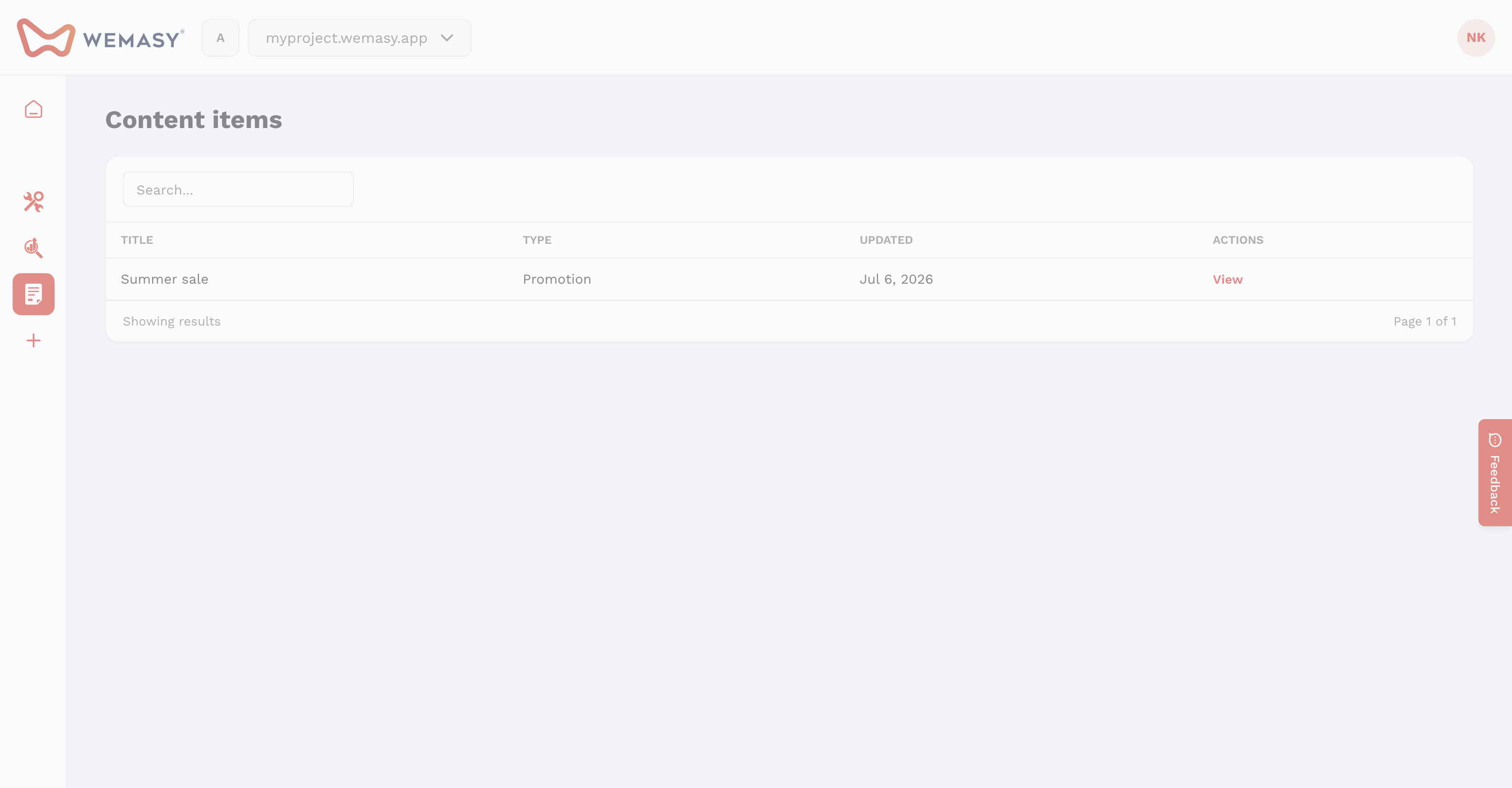
- Create the structure and custom fields first.
- Host your CSV, JSON, or XML file at a public URL.
Importer form
- Structure — Target structure identifier.
- Format — CSV, JSON, or XML.
- Source URL — Where the file is fetched from.
- Field mapping — Map source columns to title, URL, intro, content, image, and custom field keys.
Scheduling
Enable Schedule and choose an interval: hourly, daily, weekly, or specific dates. Use Run now from the importer list for an immediate import.
After import
Imported items show Connected to Importer. Detach on the item edit screen if you need to edit fields manually without the next import overwriting them.