

There are two ways to place a template on your page.
From the canvas
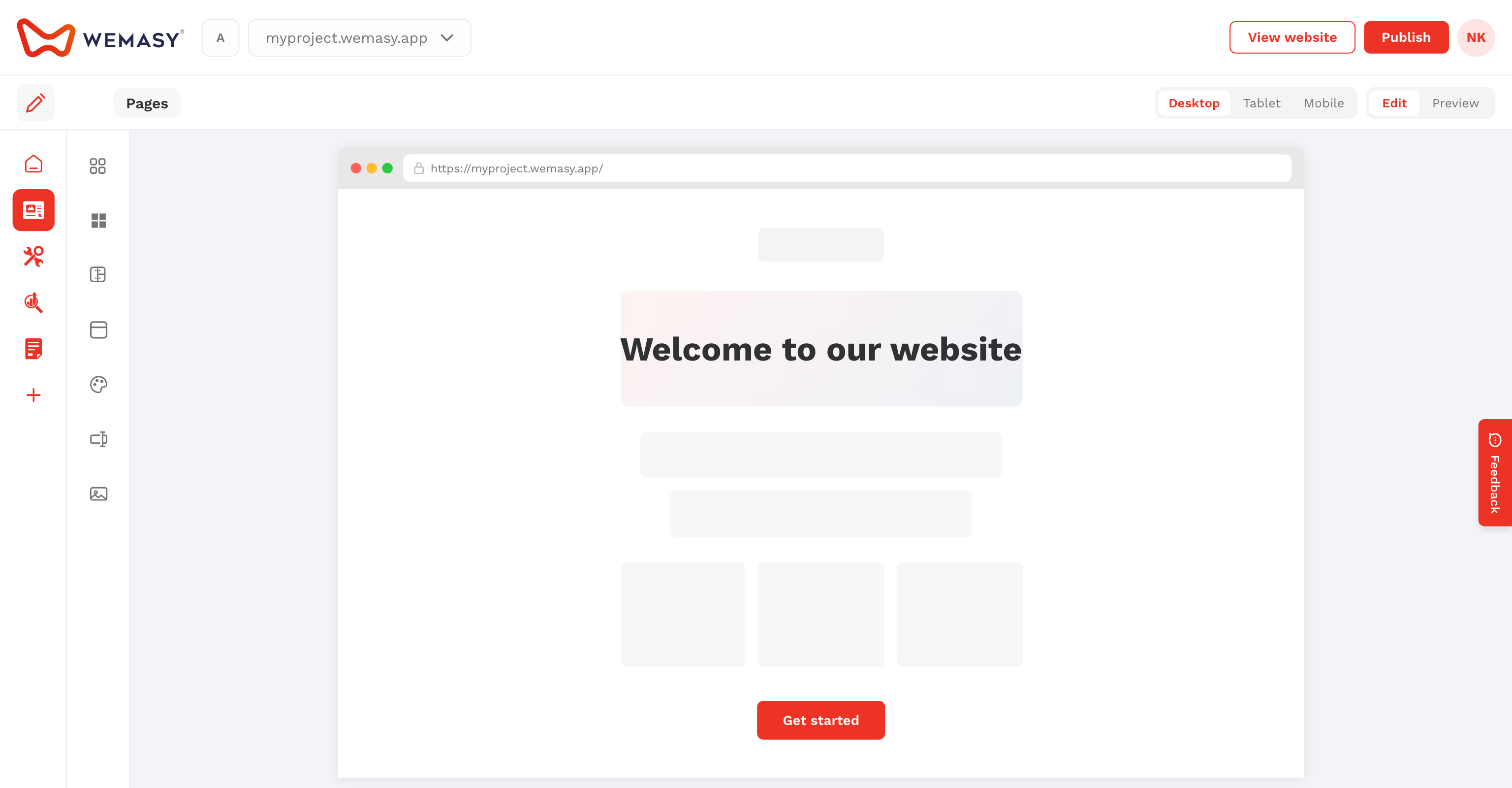
Hover a section and click the red plus icon. Pick a template from the library.
From the sidebar
Drag a template from Templates onto the page.
Attach mode
- Independent Copy — Editable only on this page.
- Attached (Linked) — Updates follow the source template.
Convert a section to a reusable template with Convert to reusable template from the three-dots menu.