

The Social Links element shows icons or links to your social profiles in one block.
Add social links
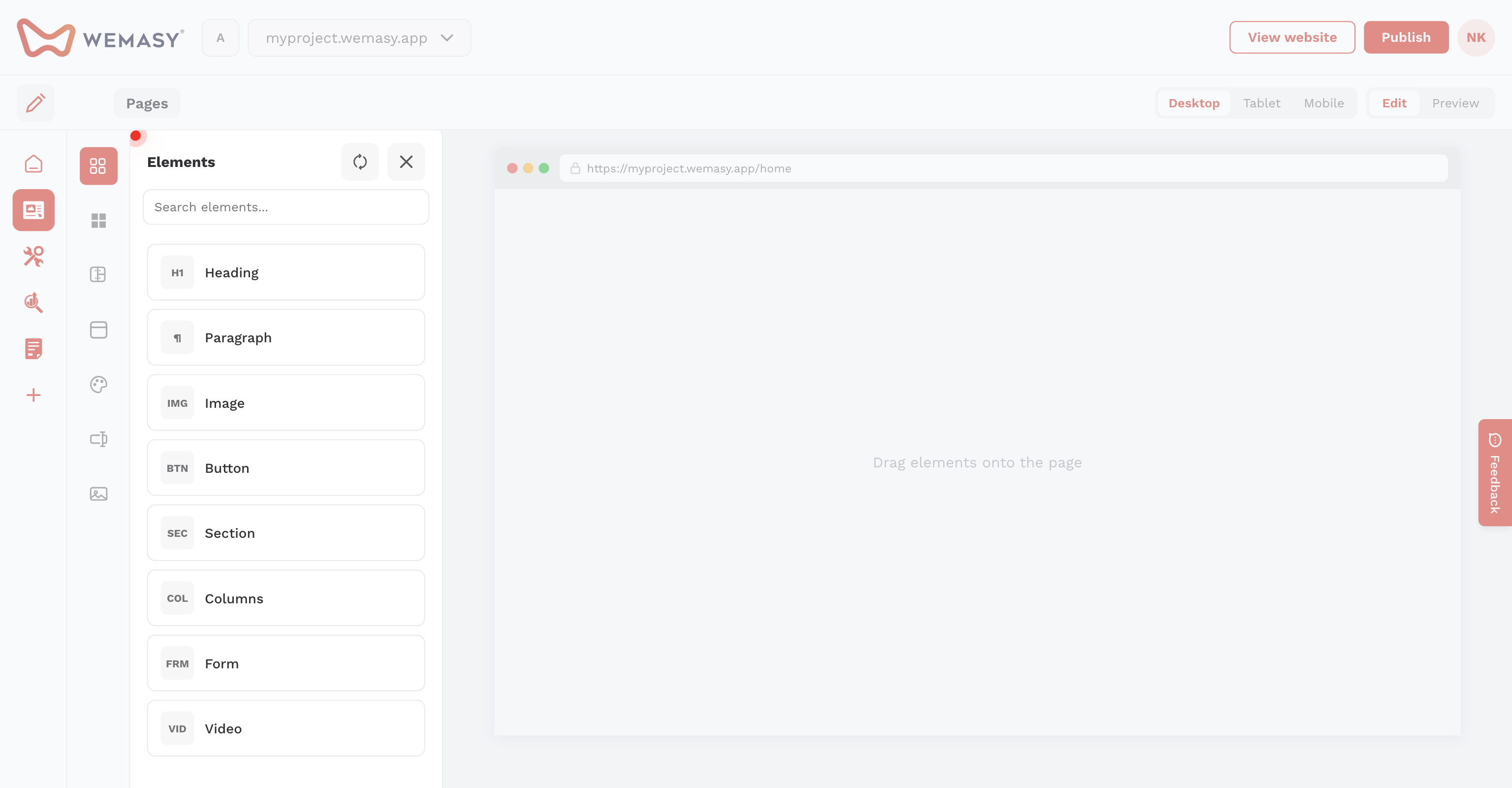
- Open Elements on the left sidebar.
- Drag Social Links onto the page.
- Configure each profile URL in the element settings.
Tip: Place social links in your footer reusable template so they appear on every page.